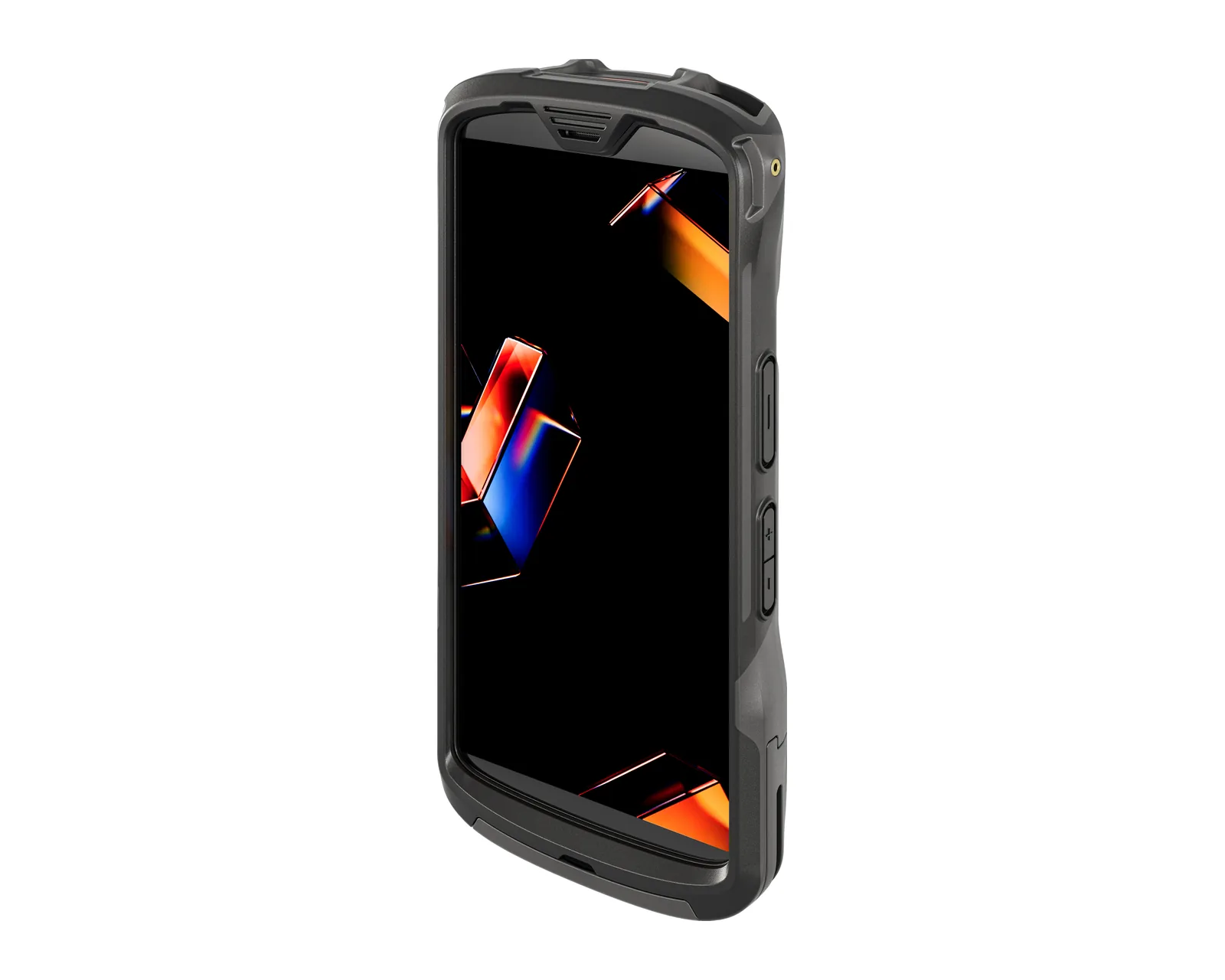
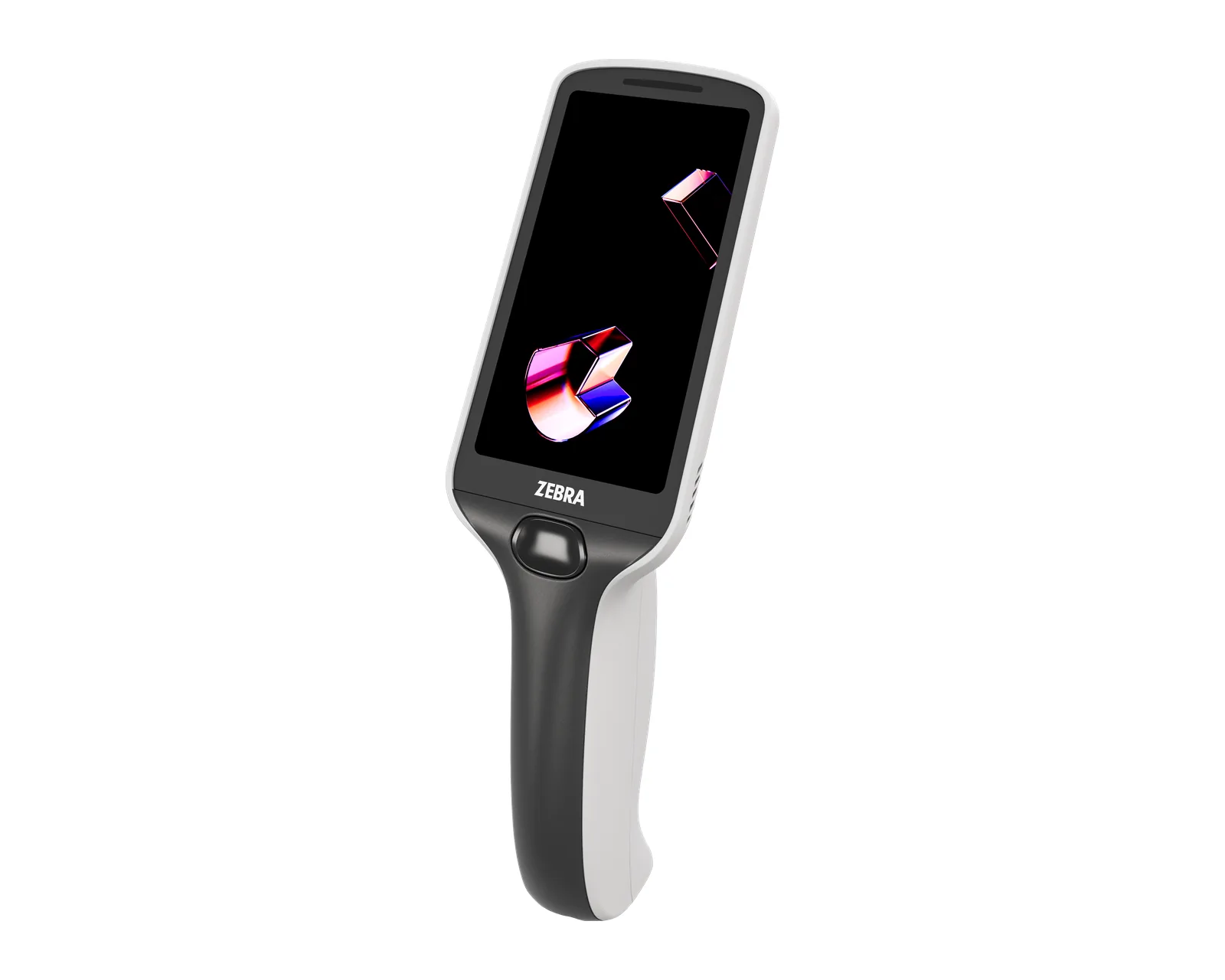
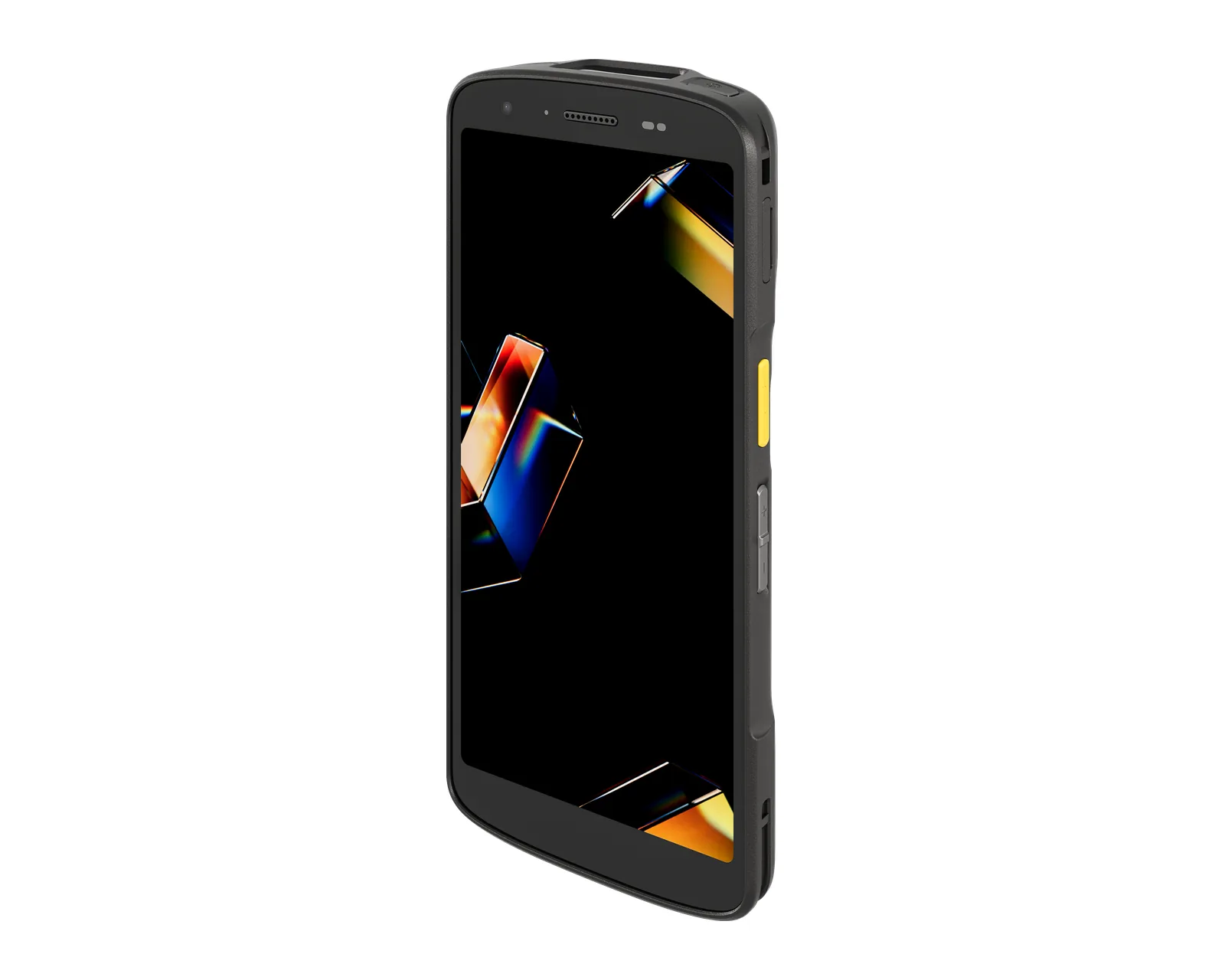
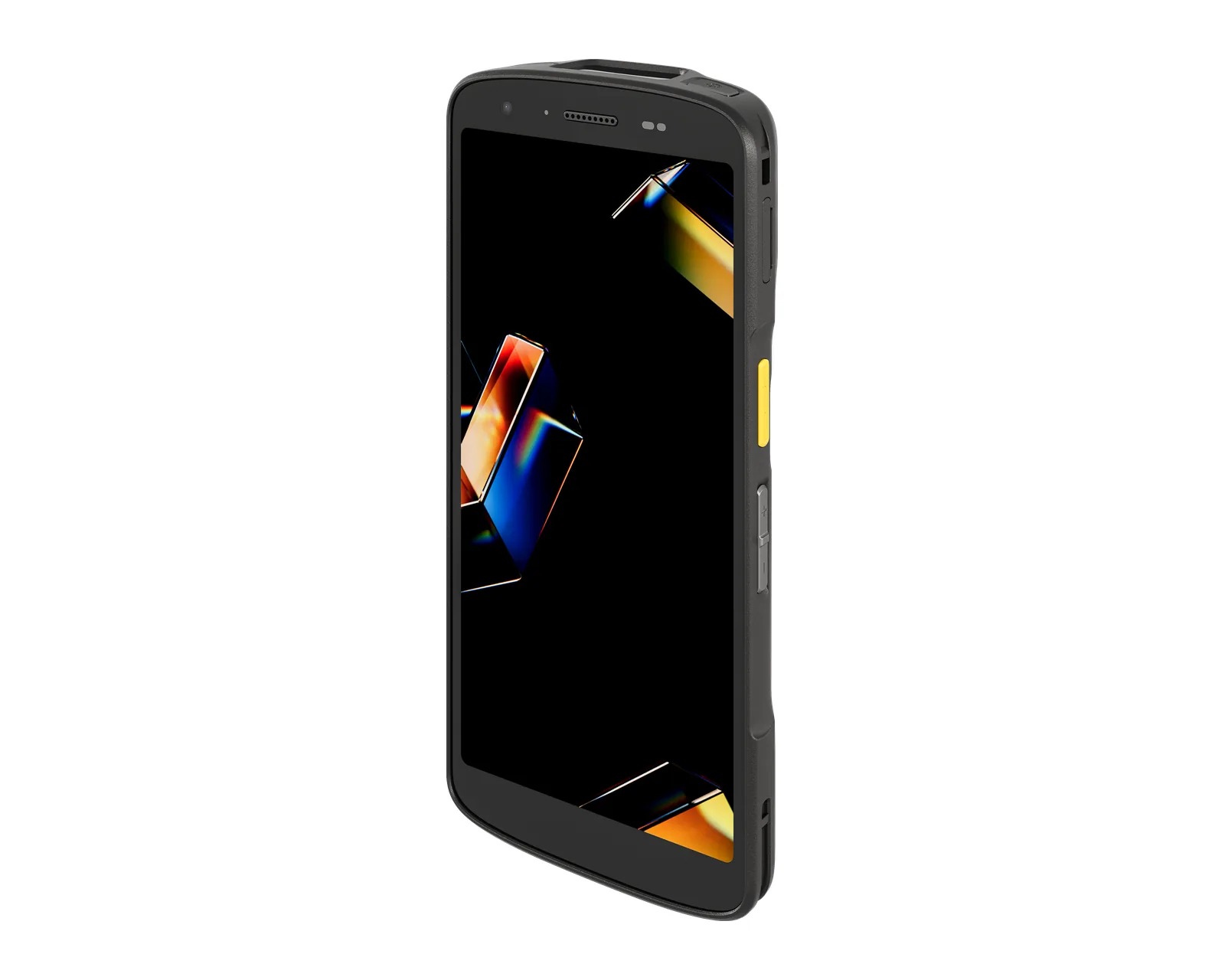
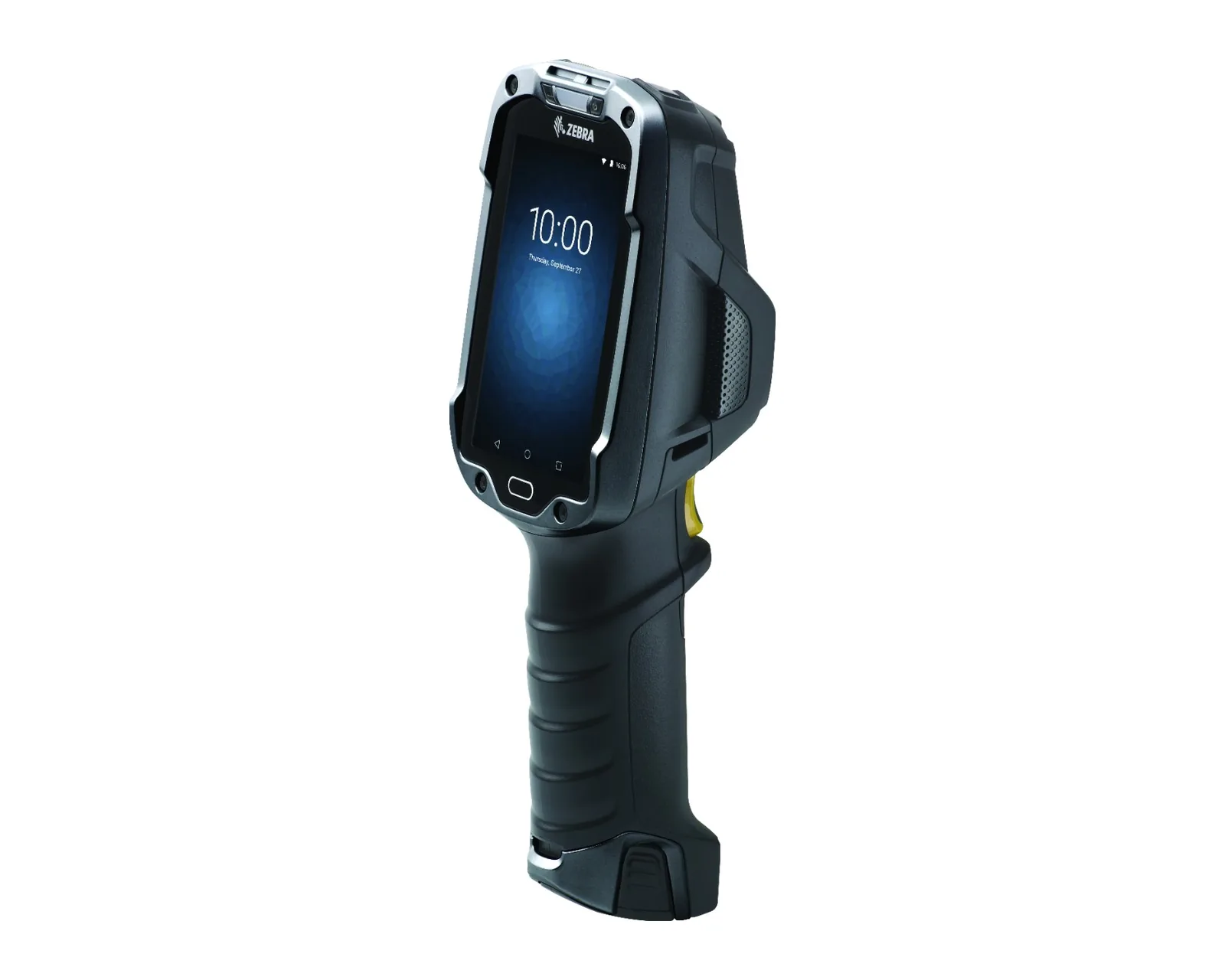
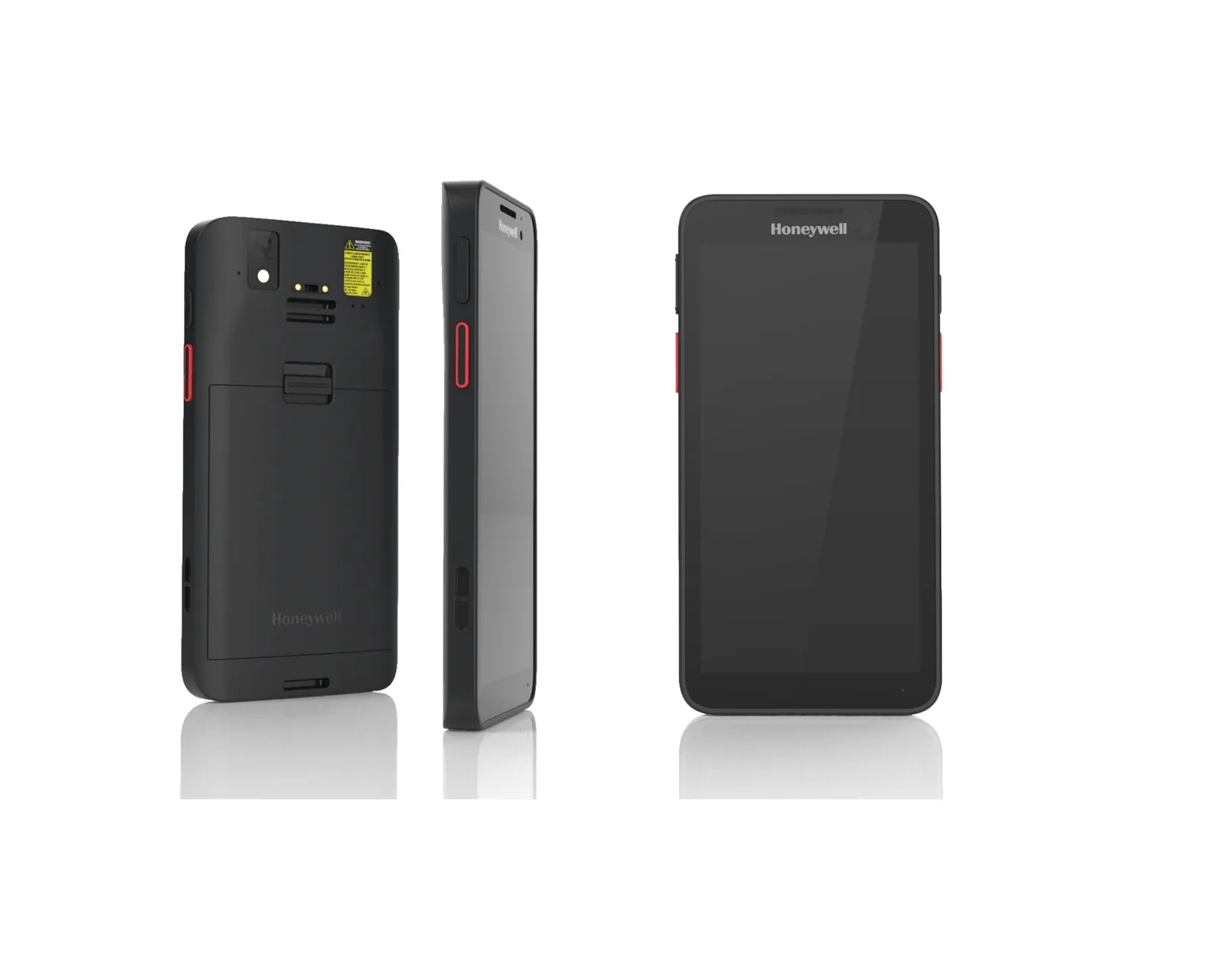
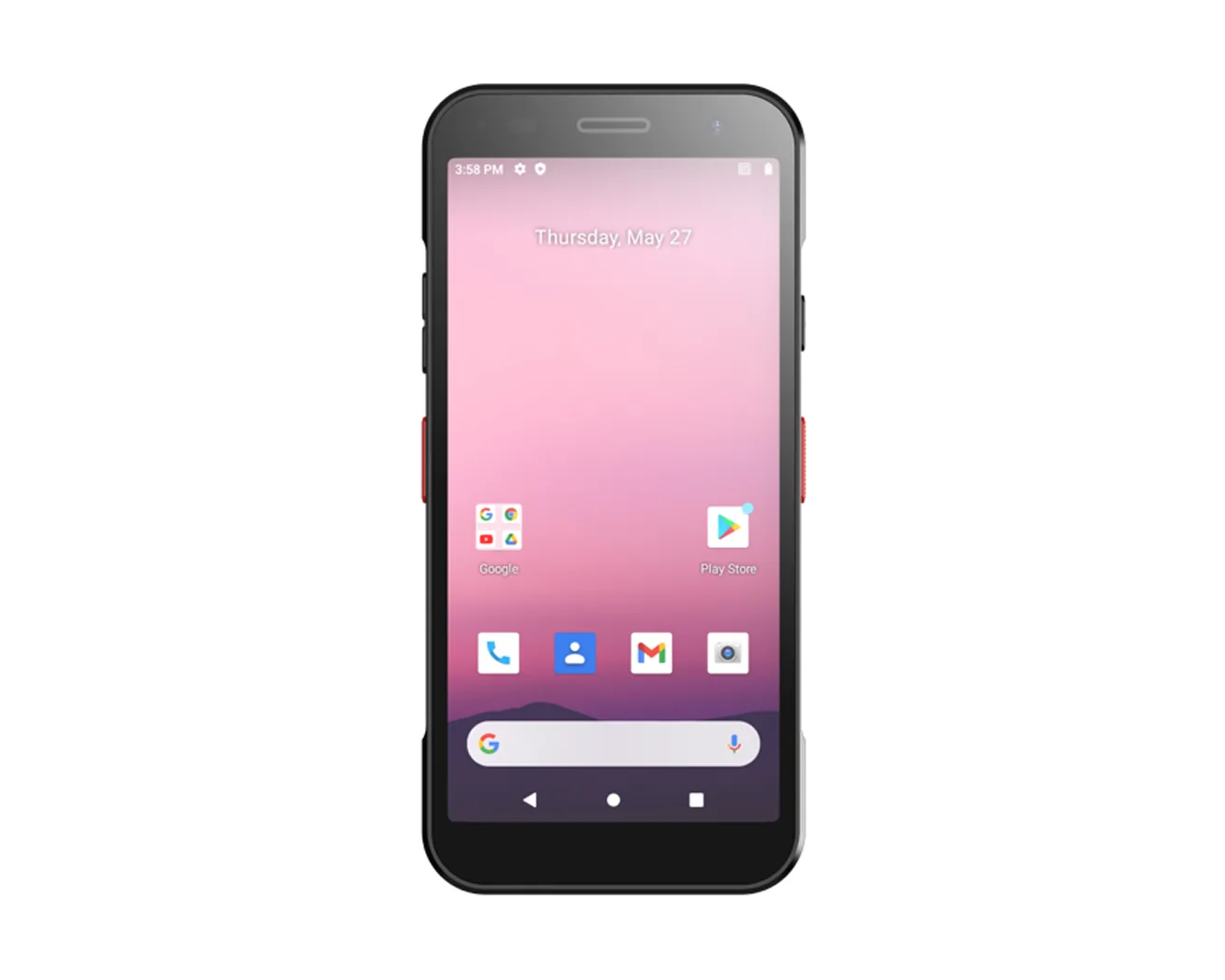
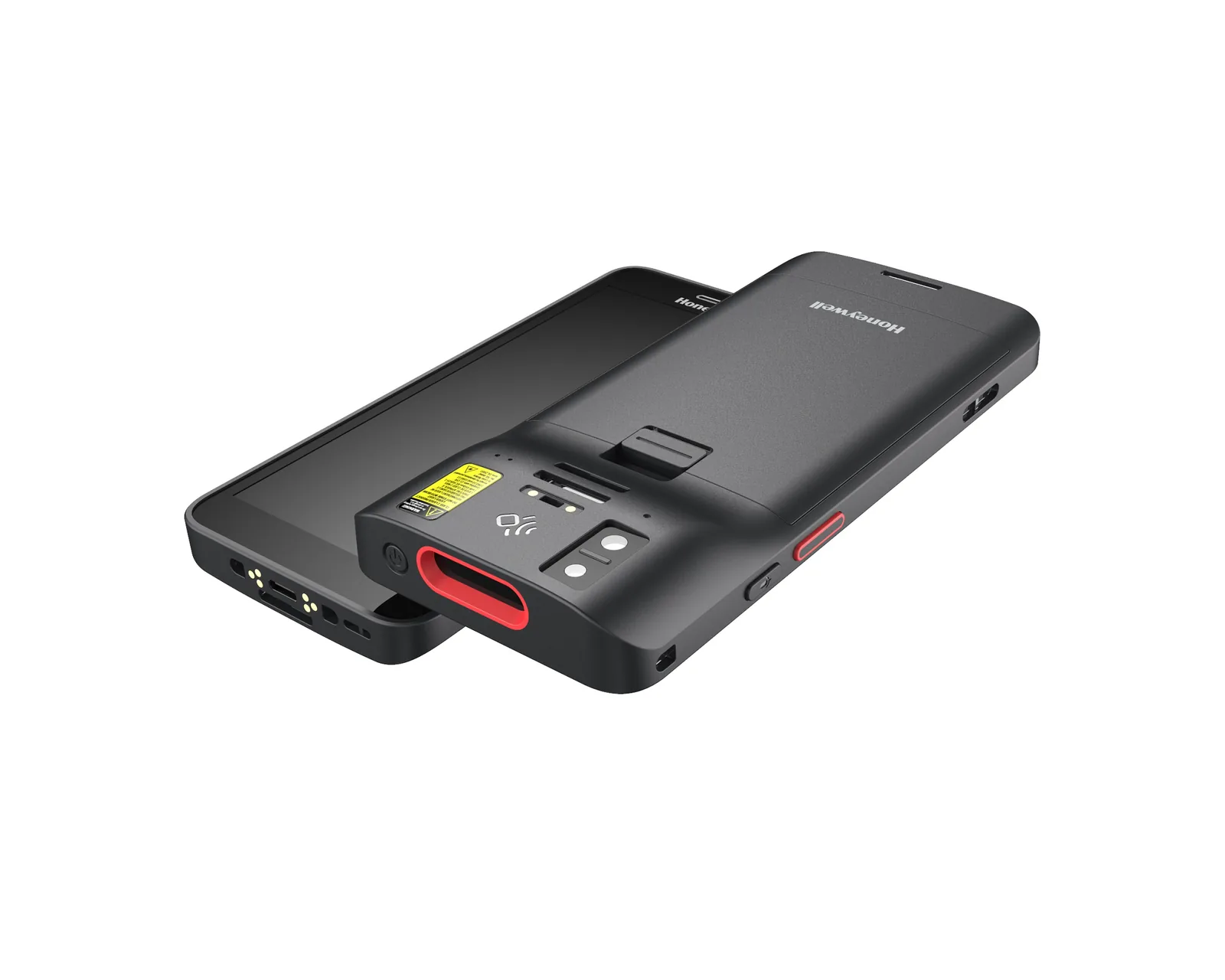
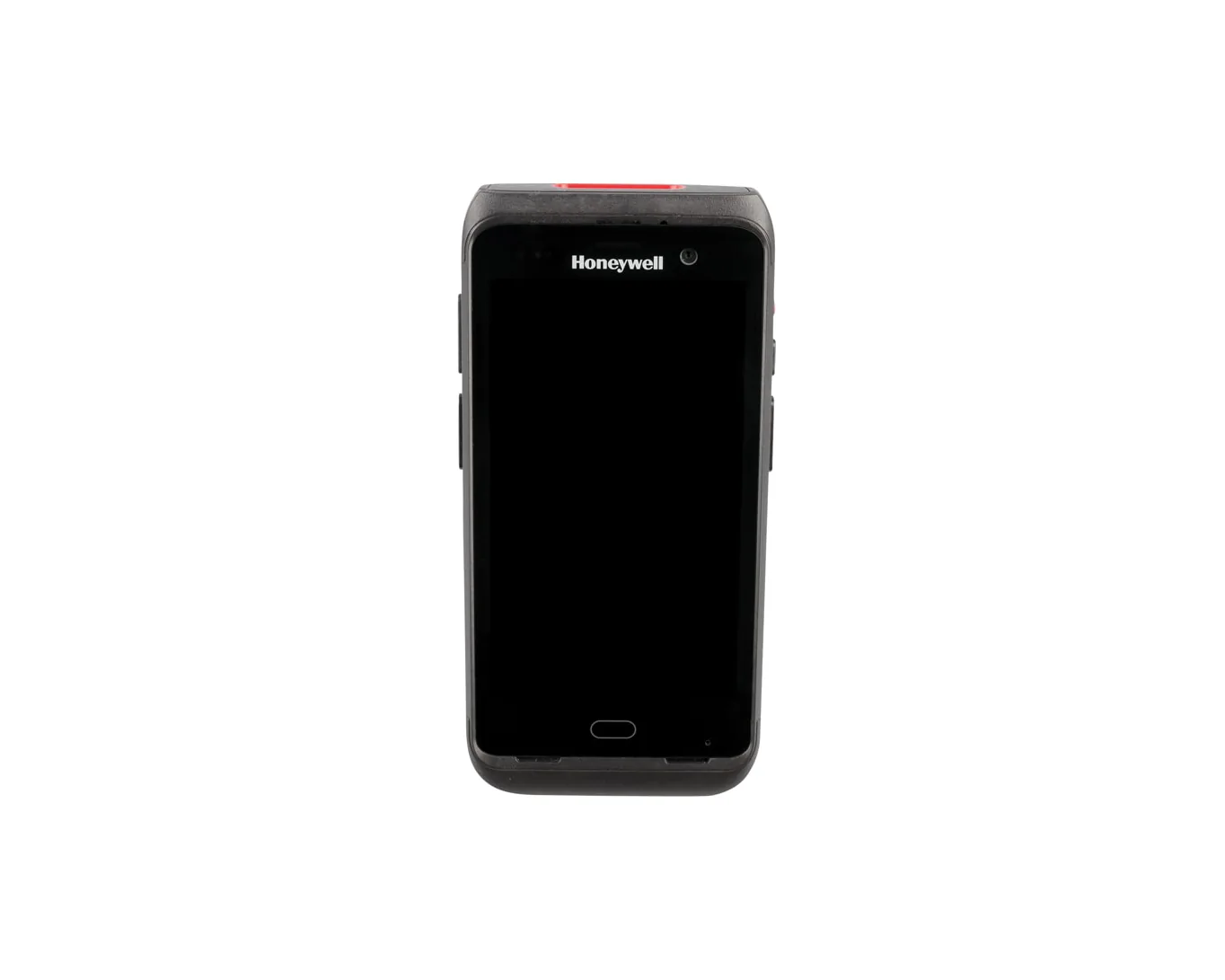
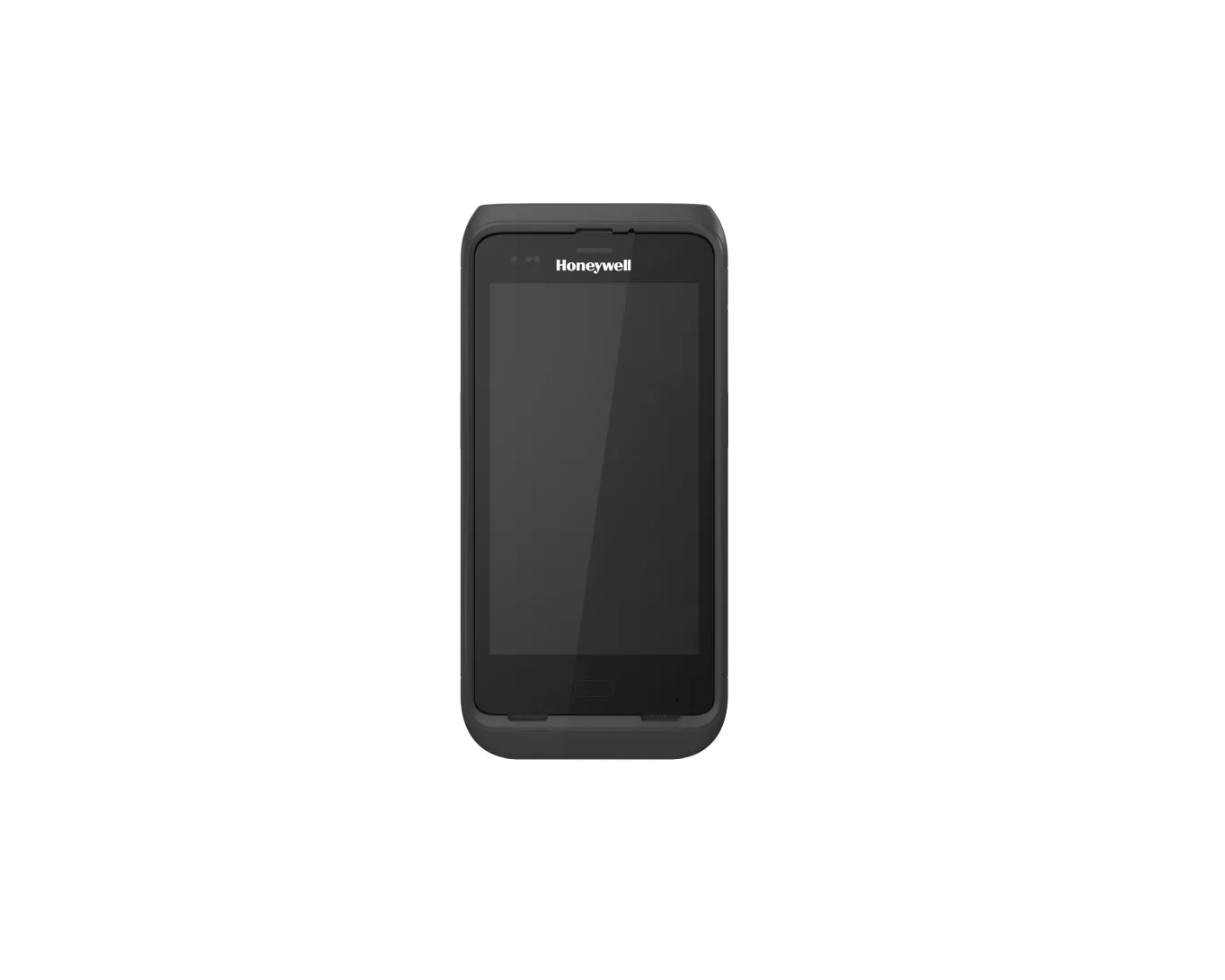
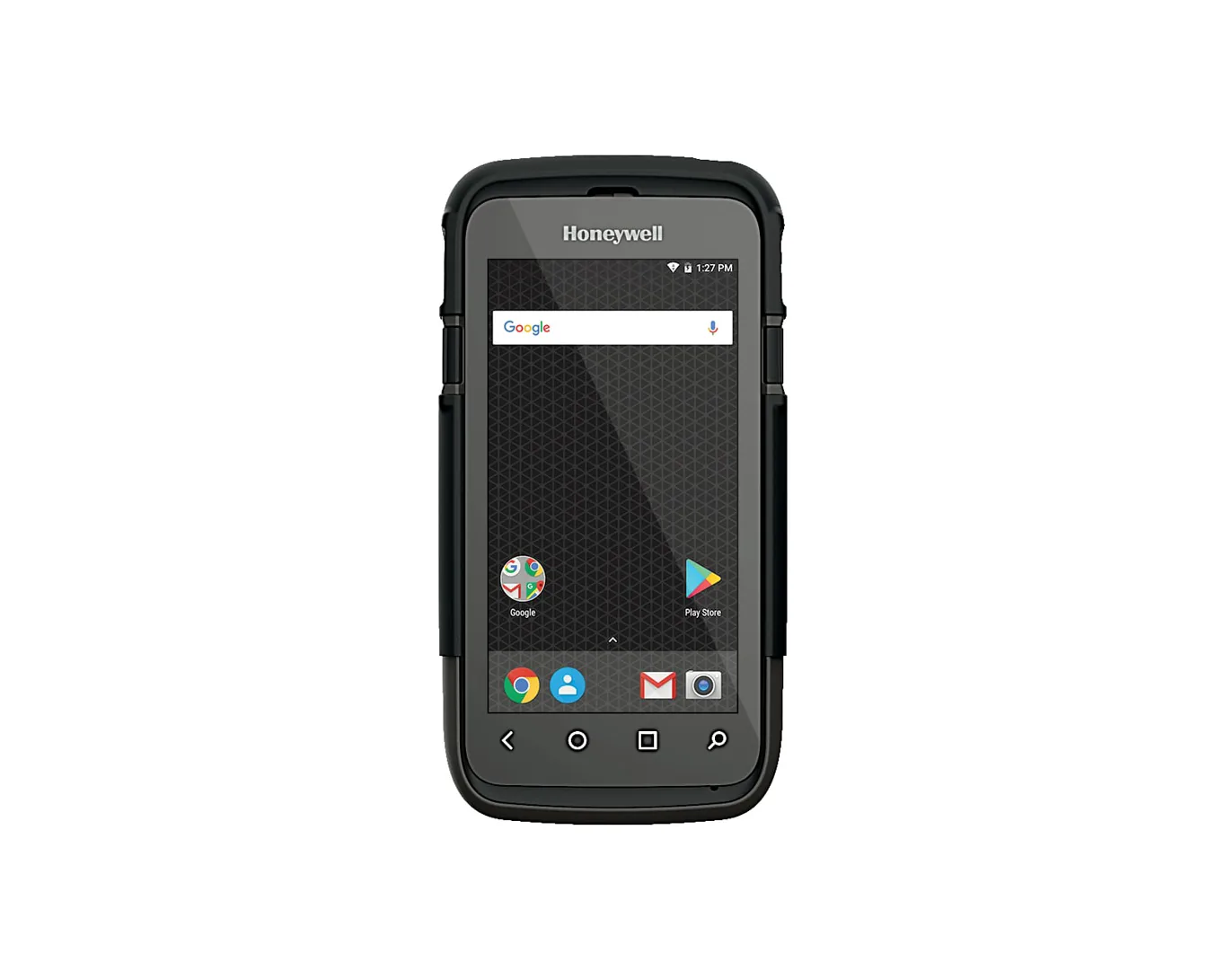
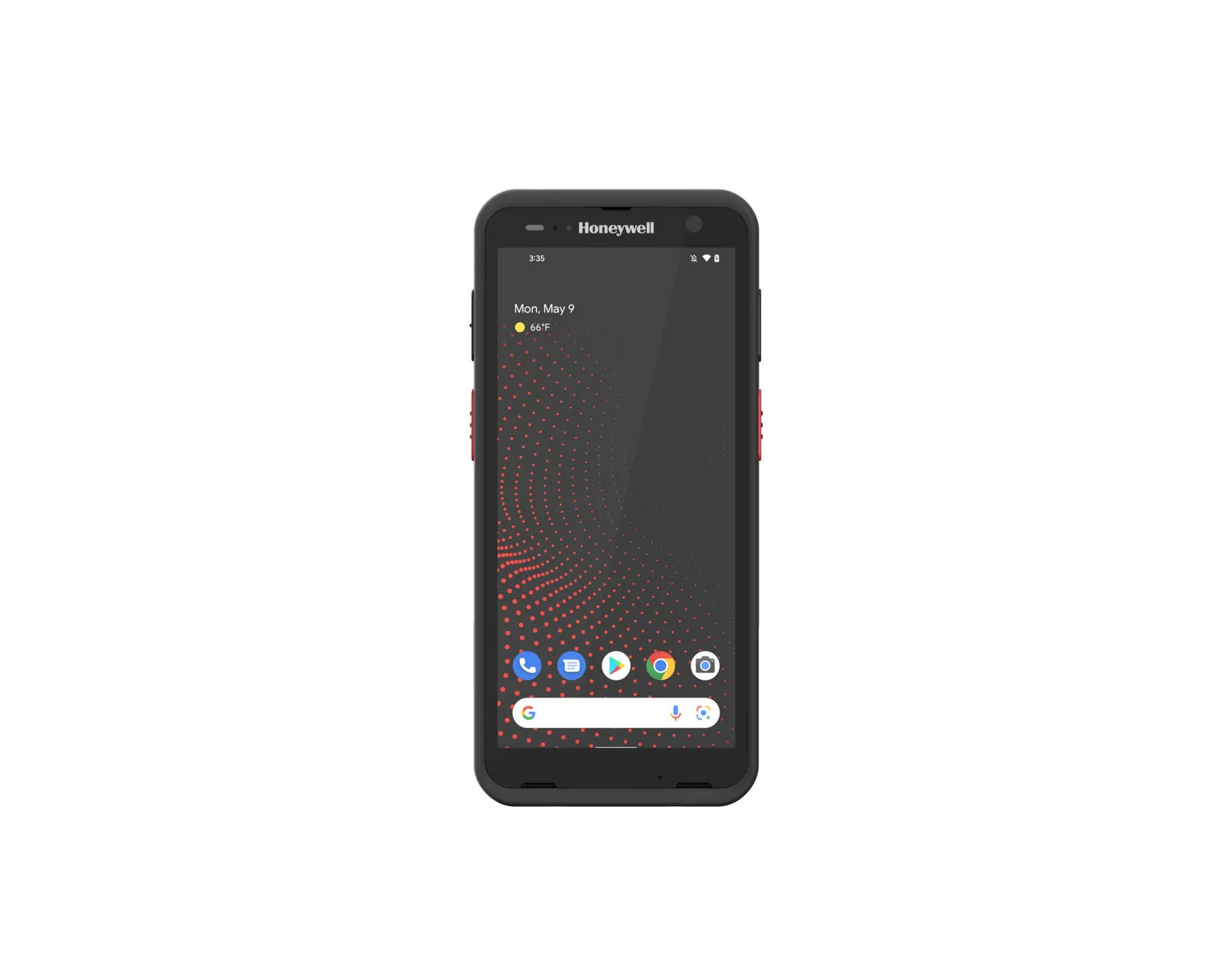
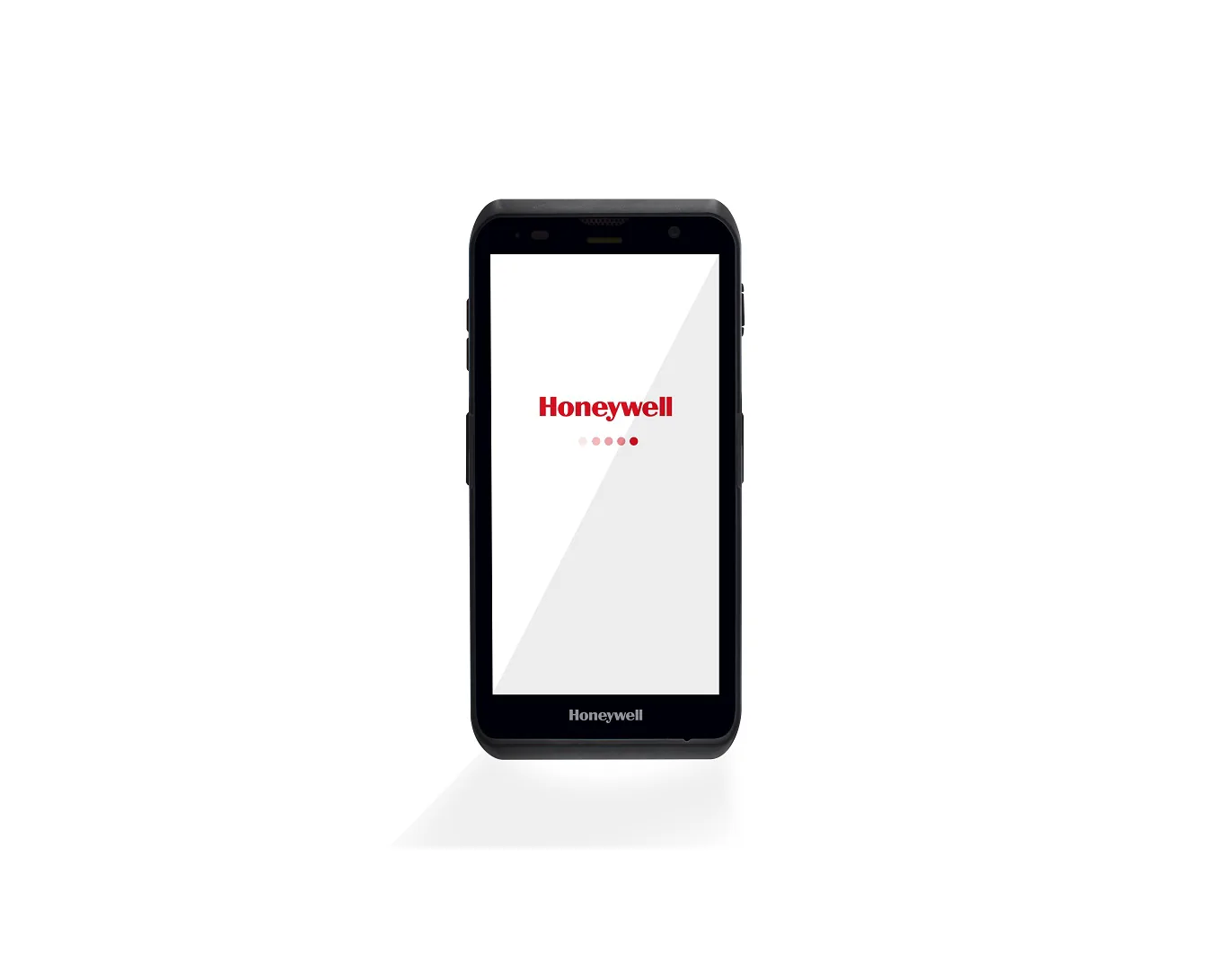
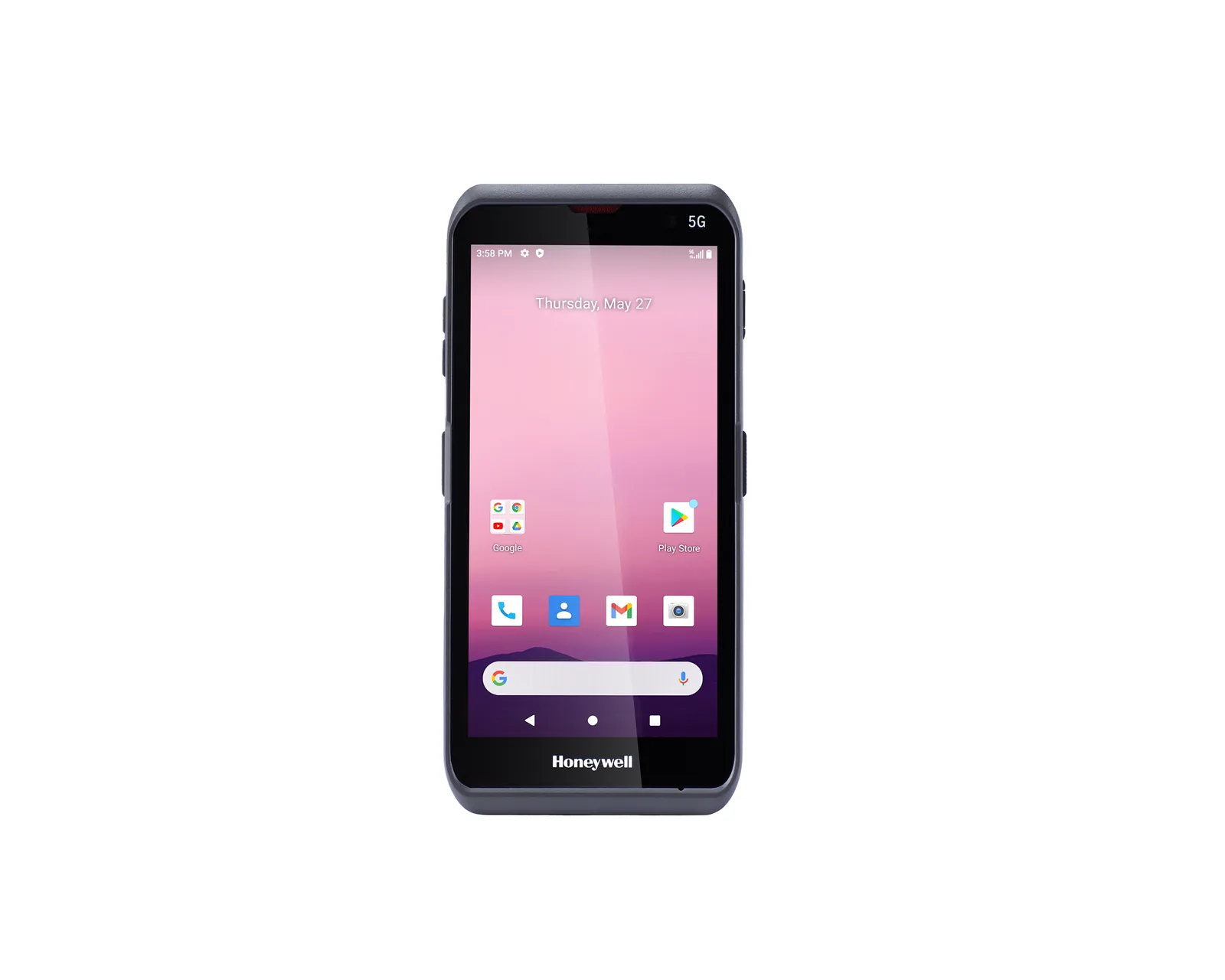
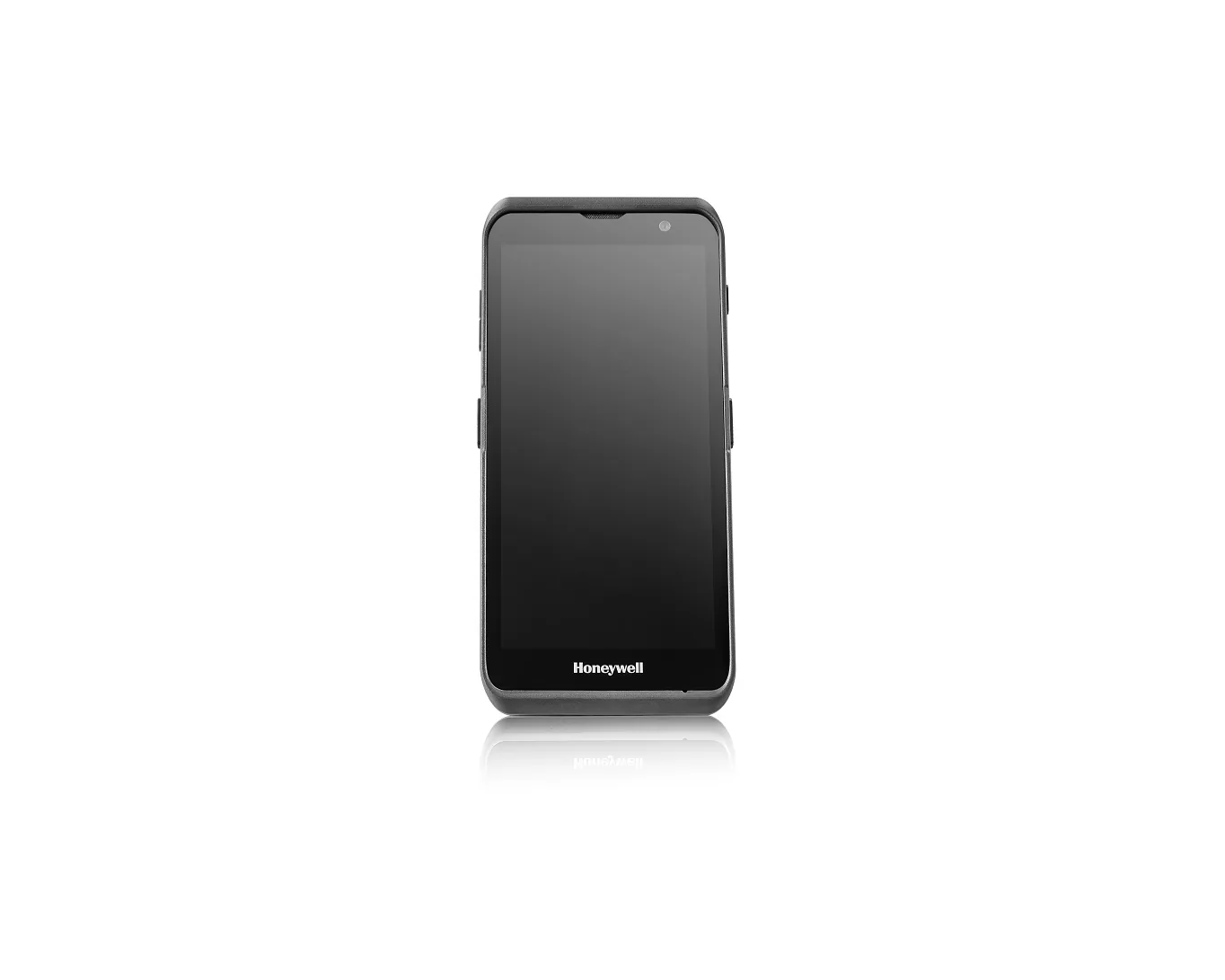
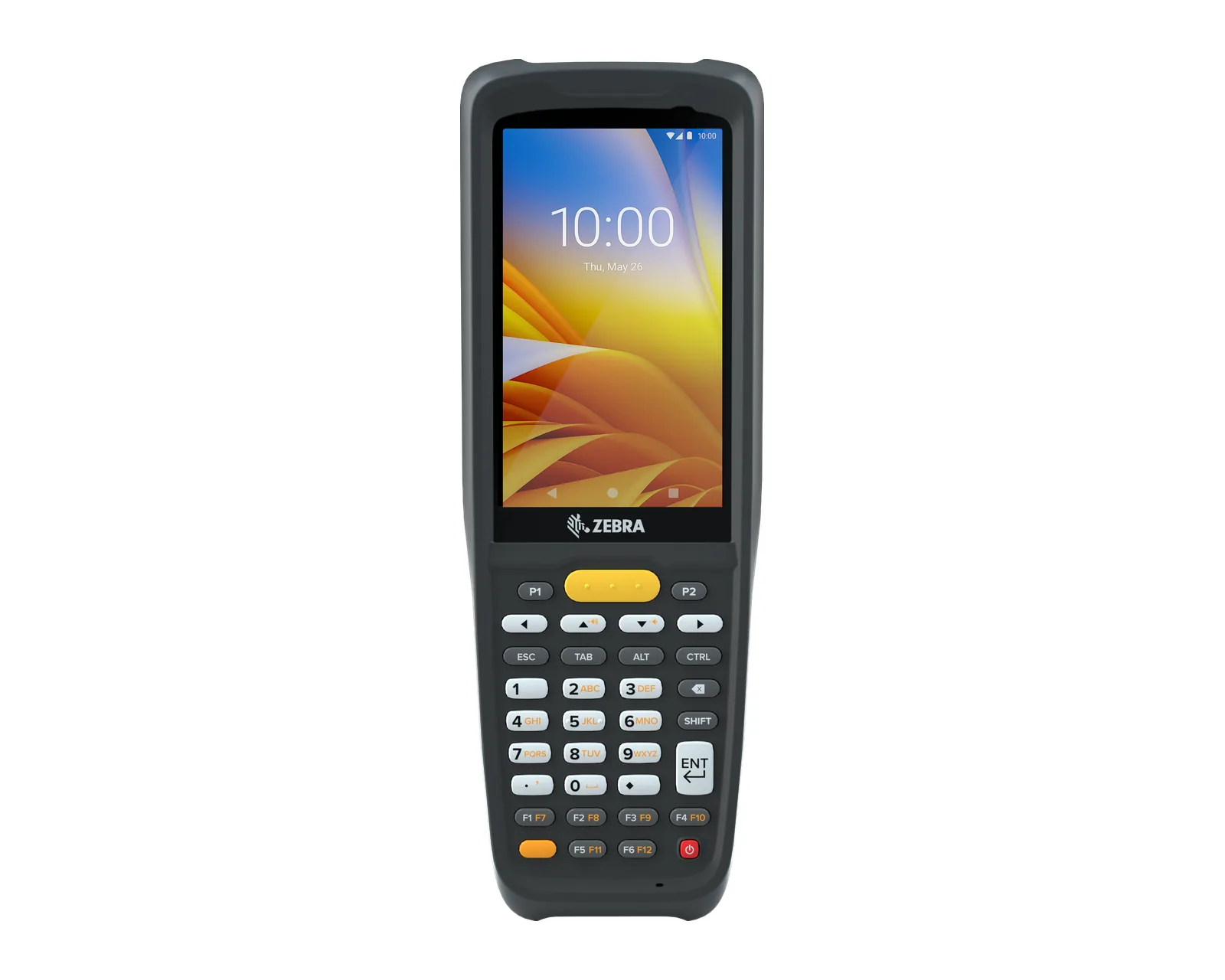
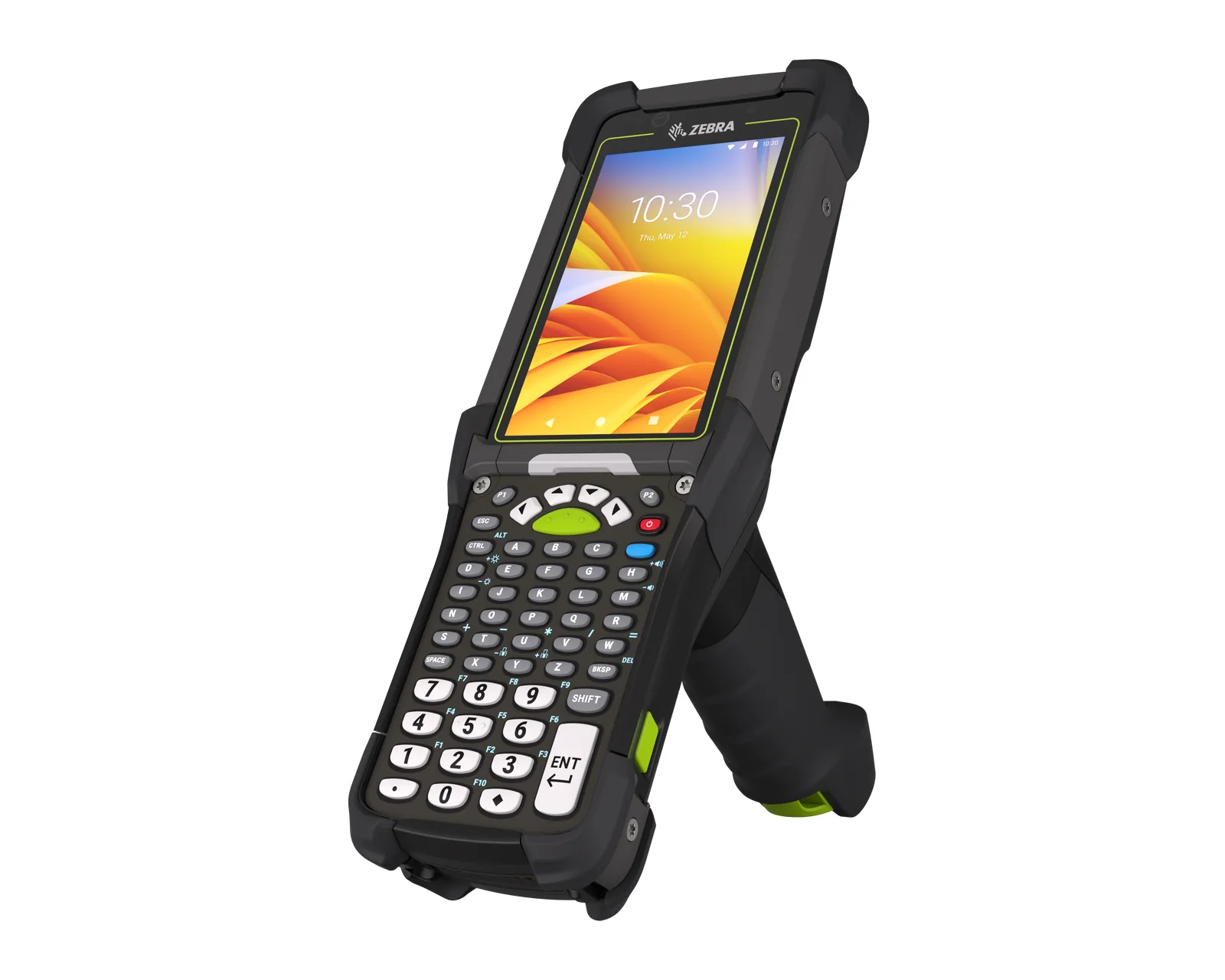
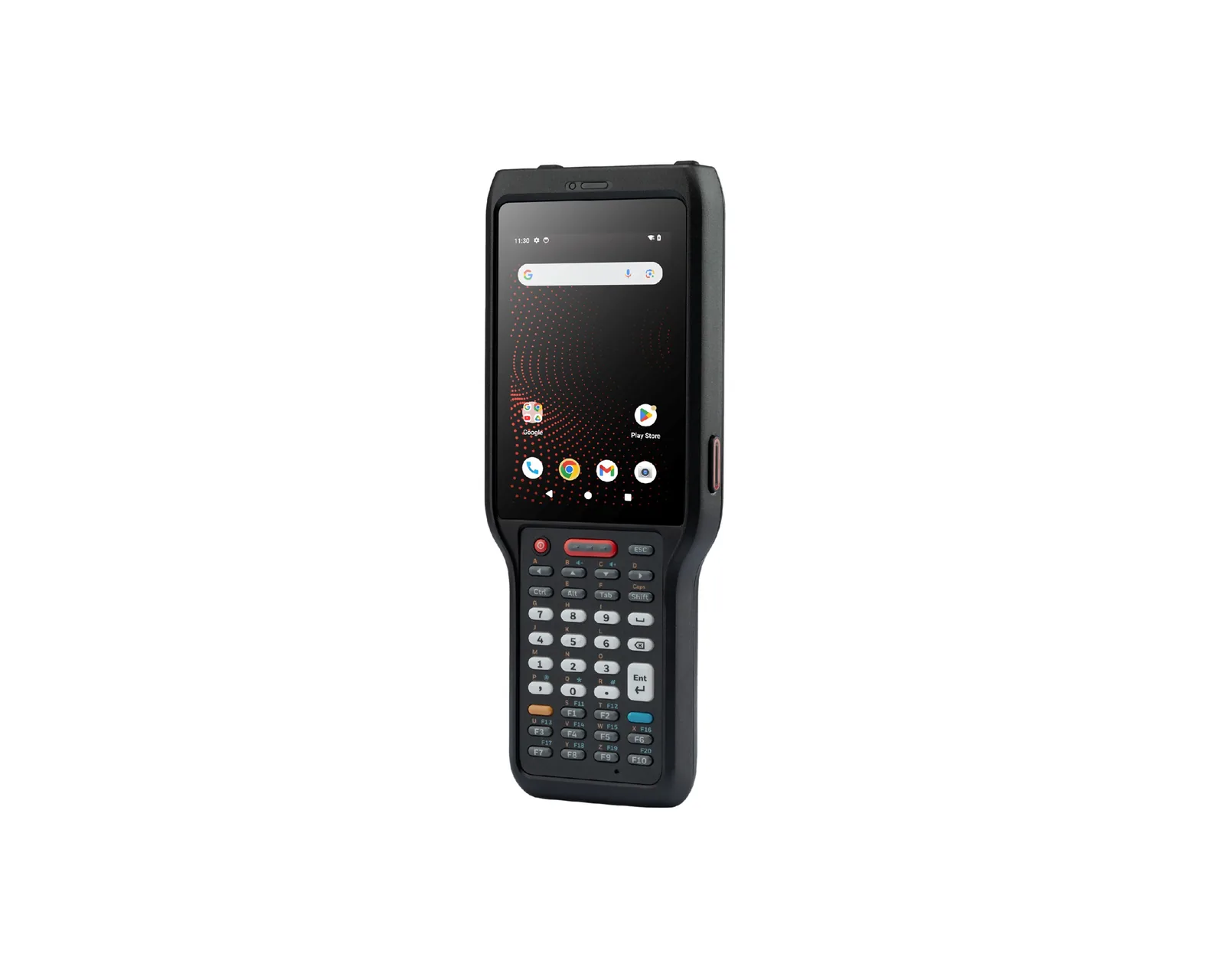
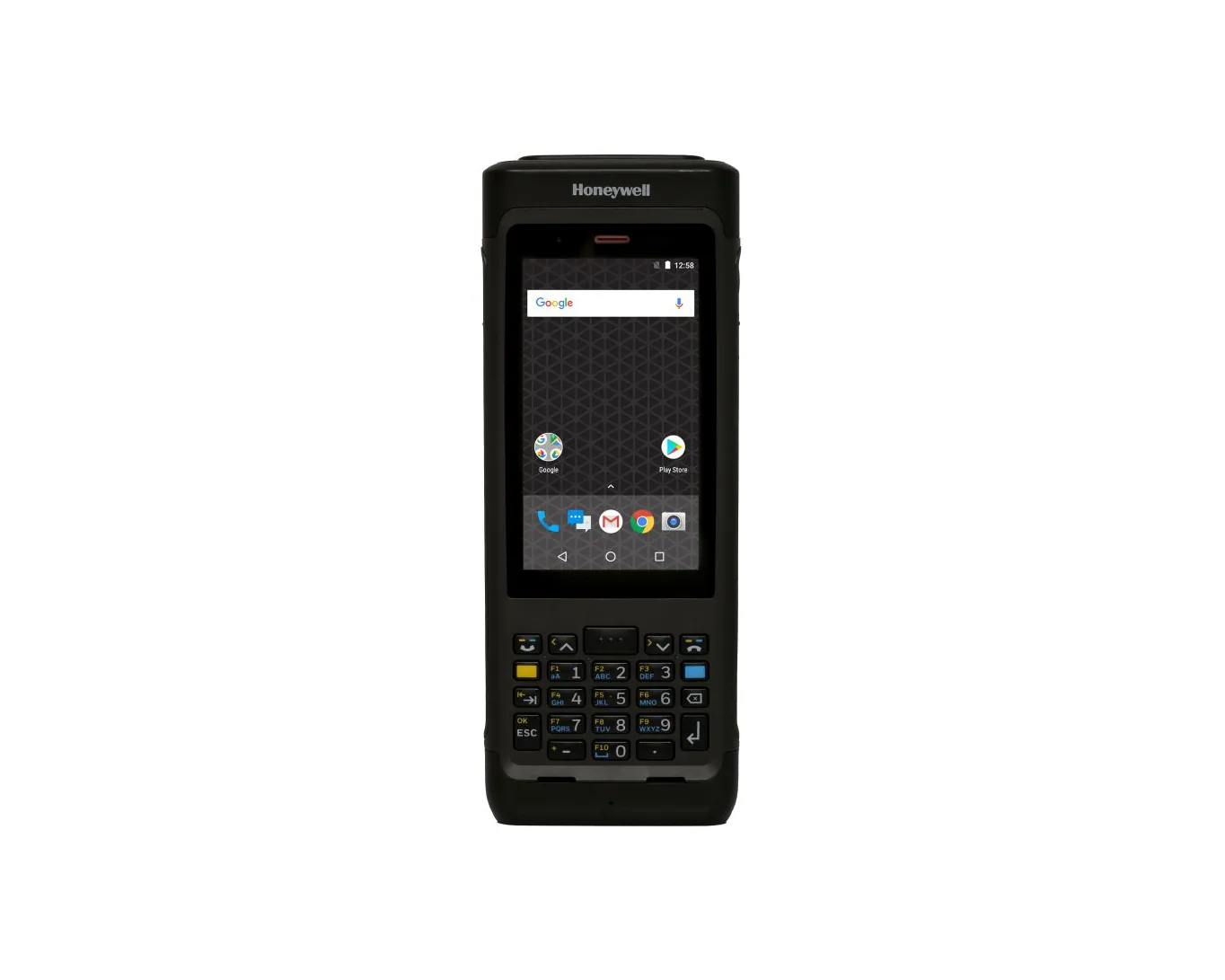
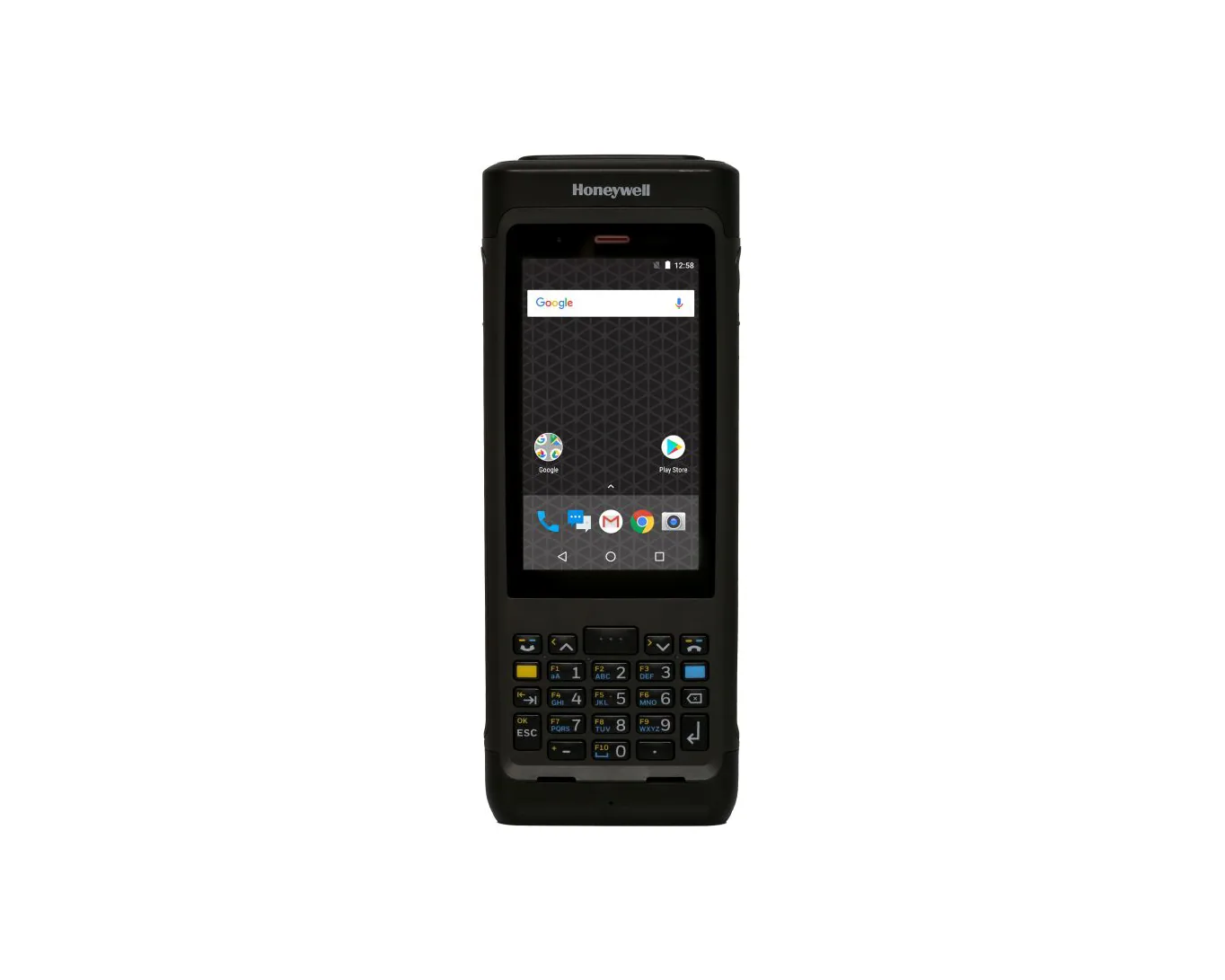
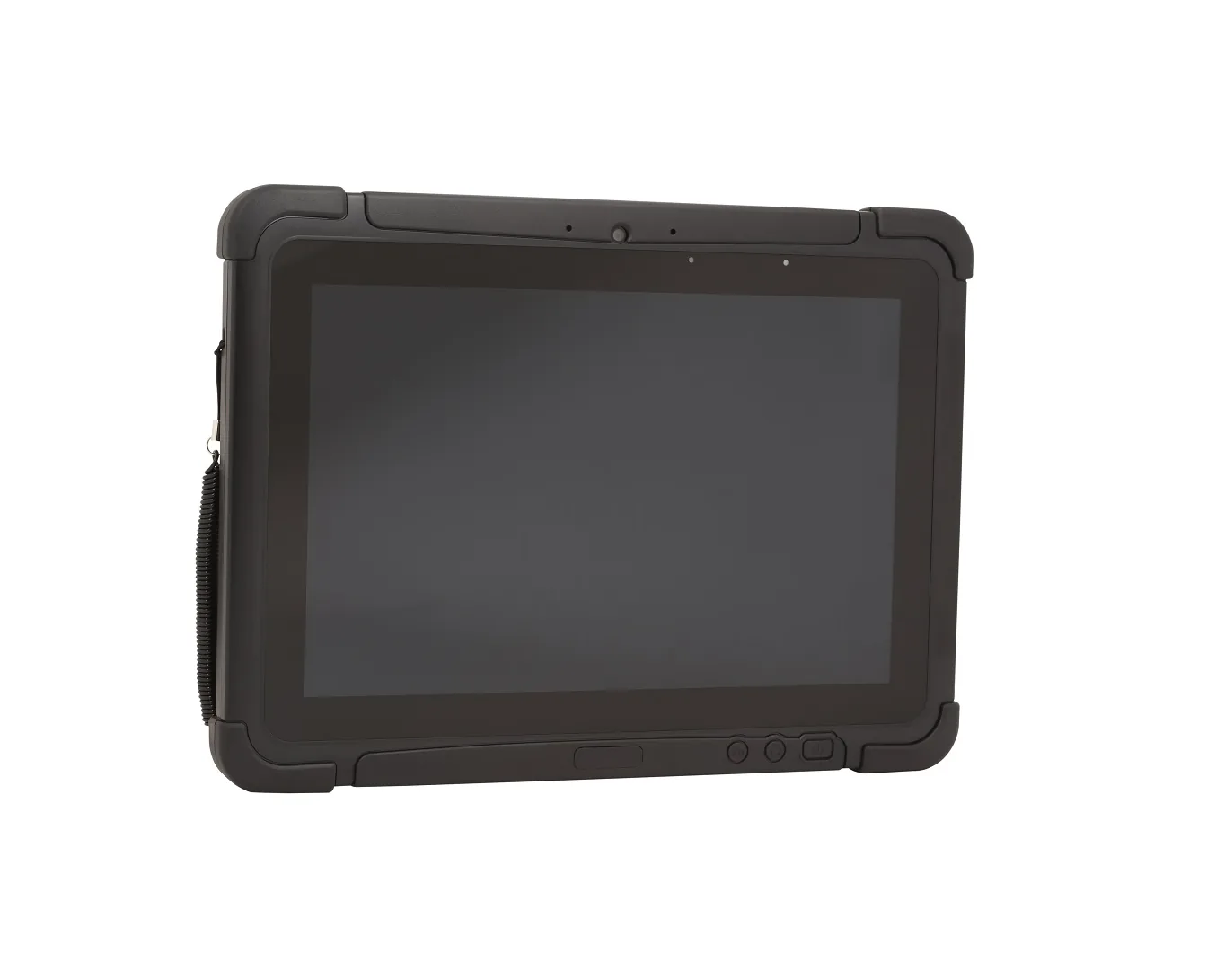
What a data-collection terminal is
Unlike an ordinary smartphone, a terminal is built for many hours of daily work: it has an integrated scanner, keys or a screen adapted for gloves, a housing that withstands drops and dust, a replaceable battery and a charging cradle. Manufacturers provide security updates for several years and fleet management tools.
The terminal reads 1D and 2D barcodes (including QR), and some models also read RFID tags. The operator scans, and the application immediately checks whether the product, the location and the quantity are correct.
Types of terminals
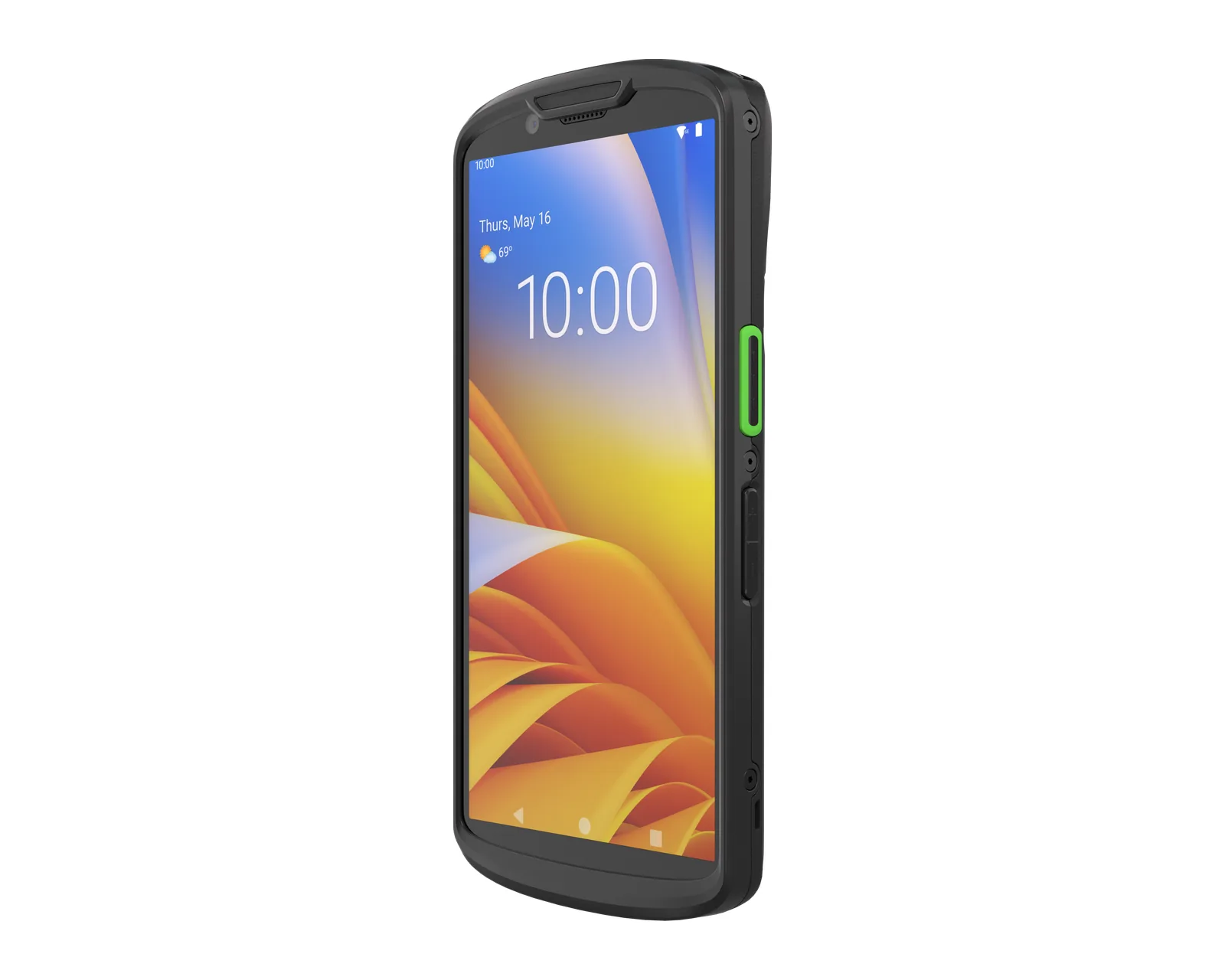
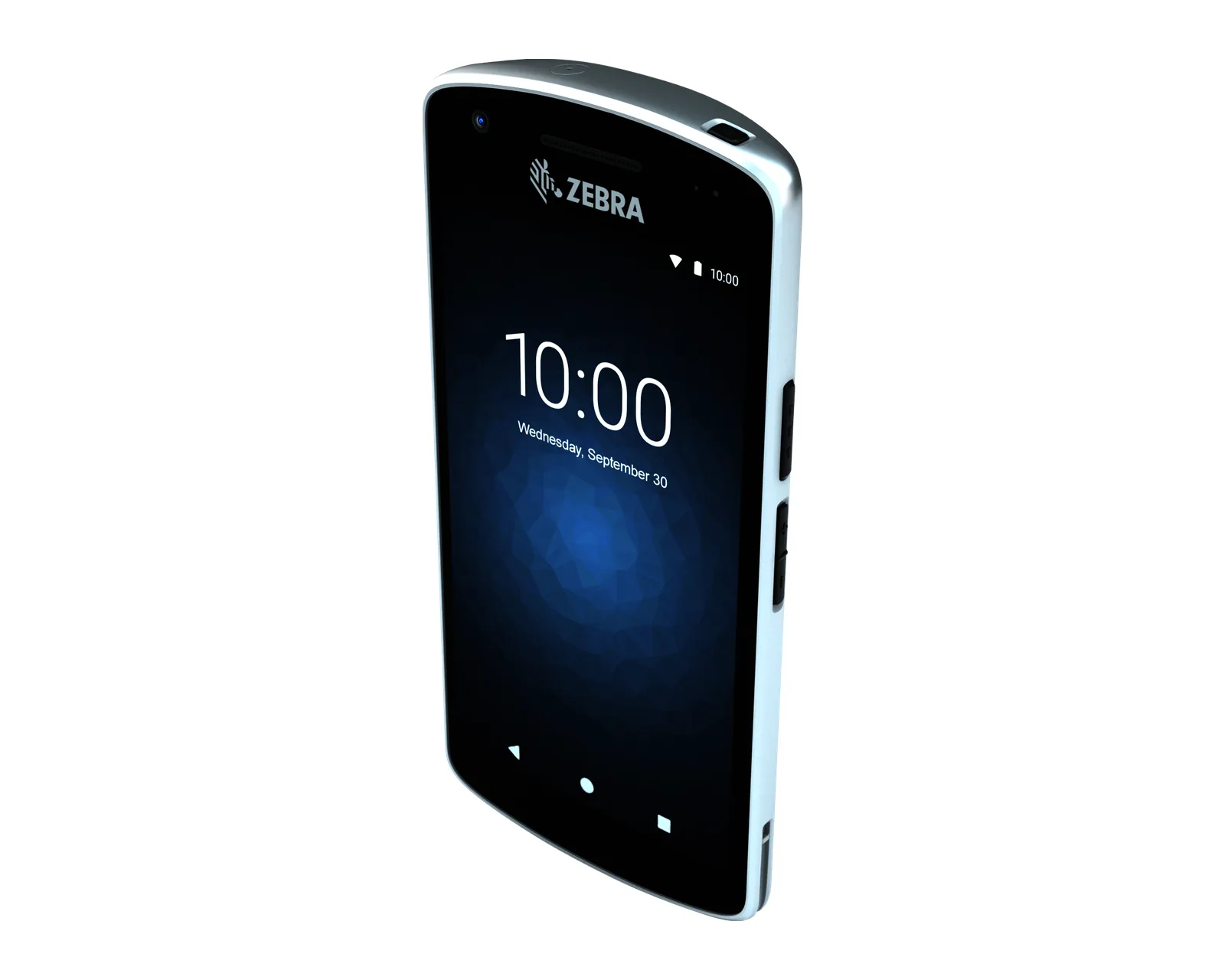
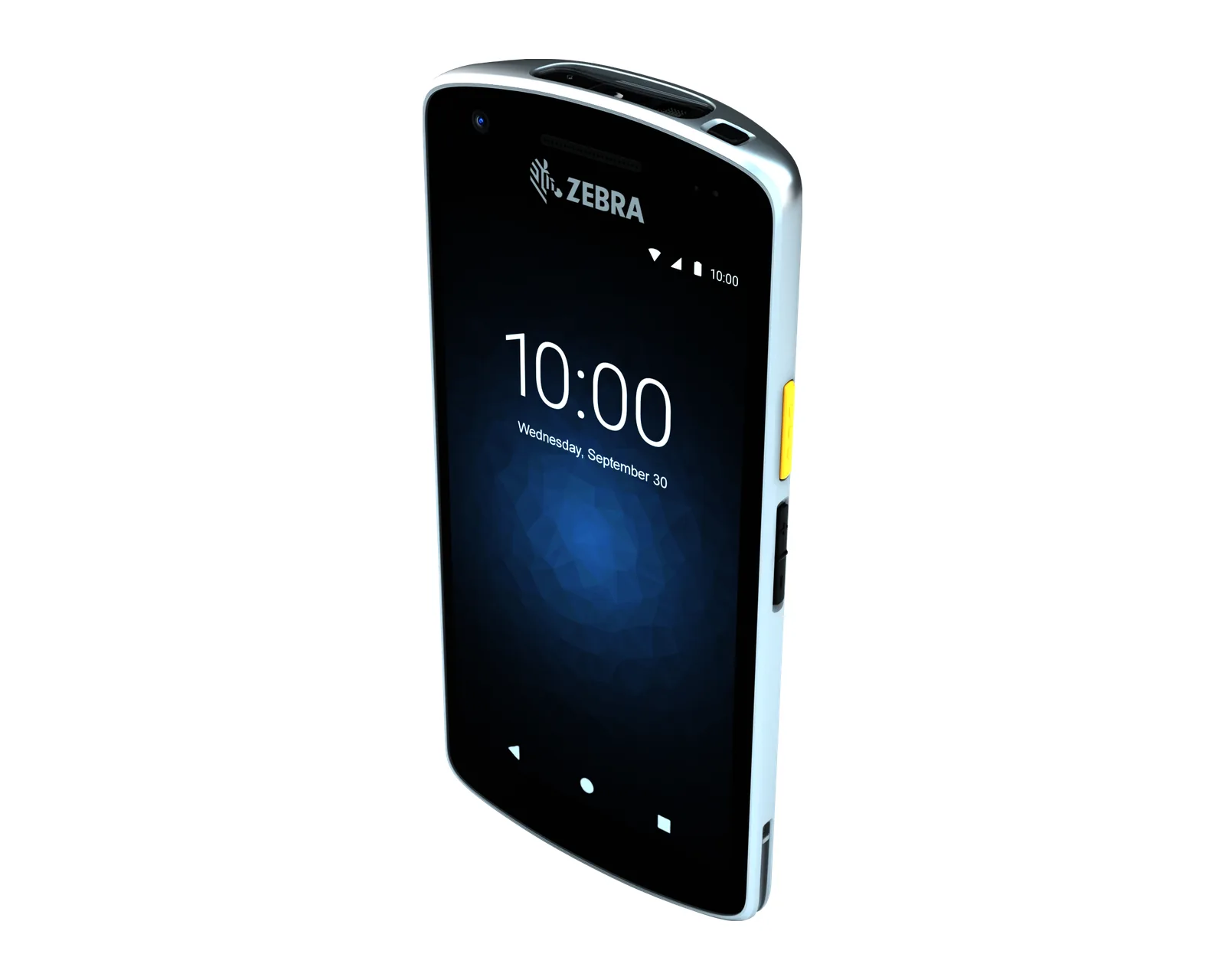
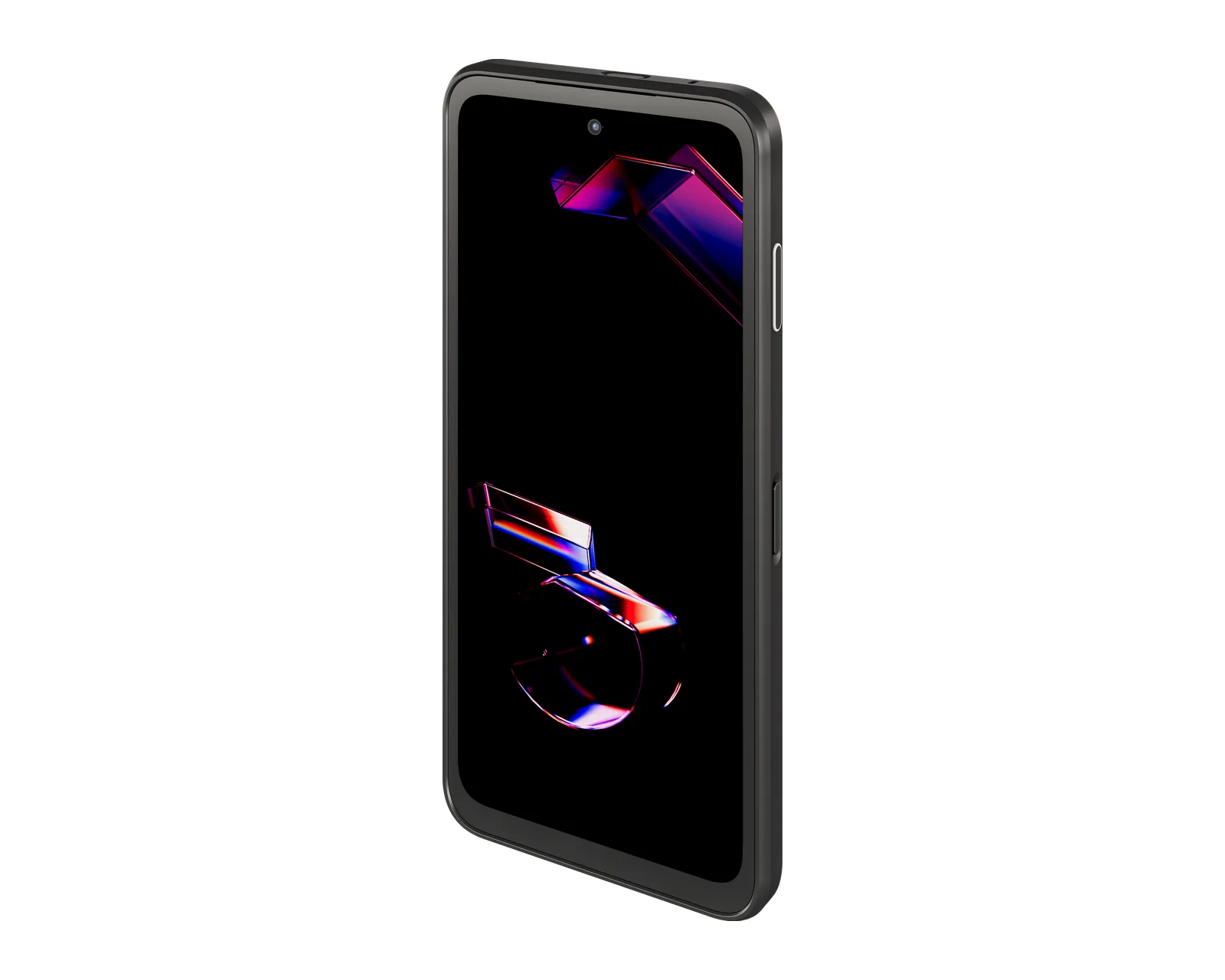
Touchscreen terminals
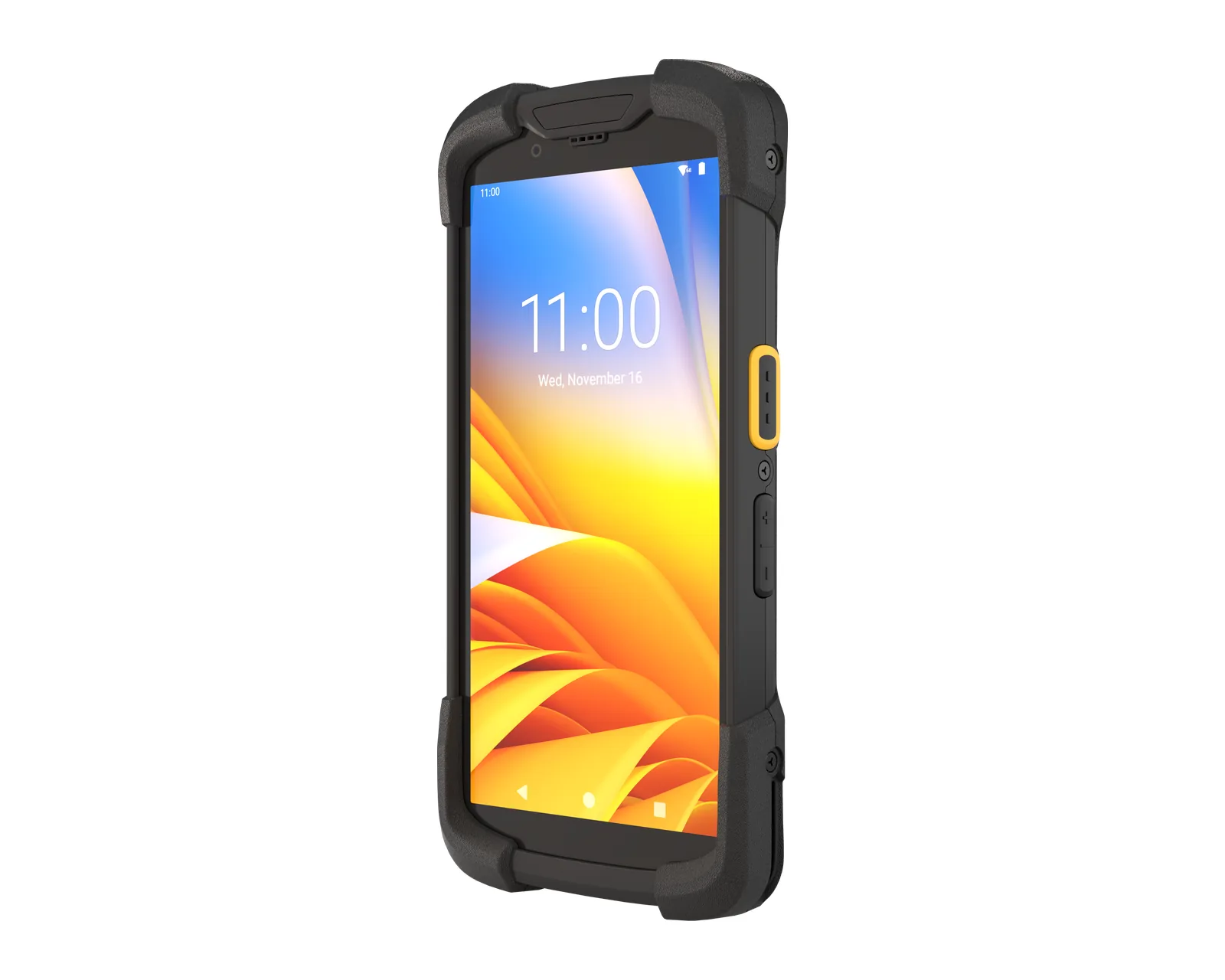
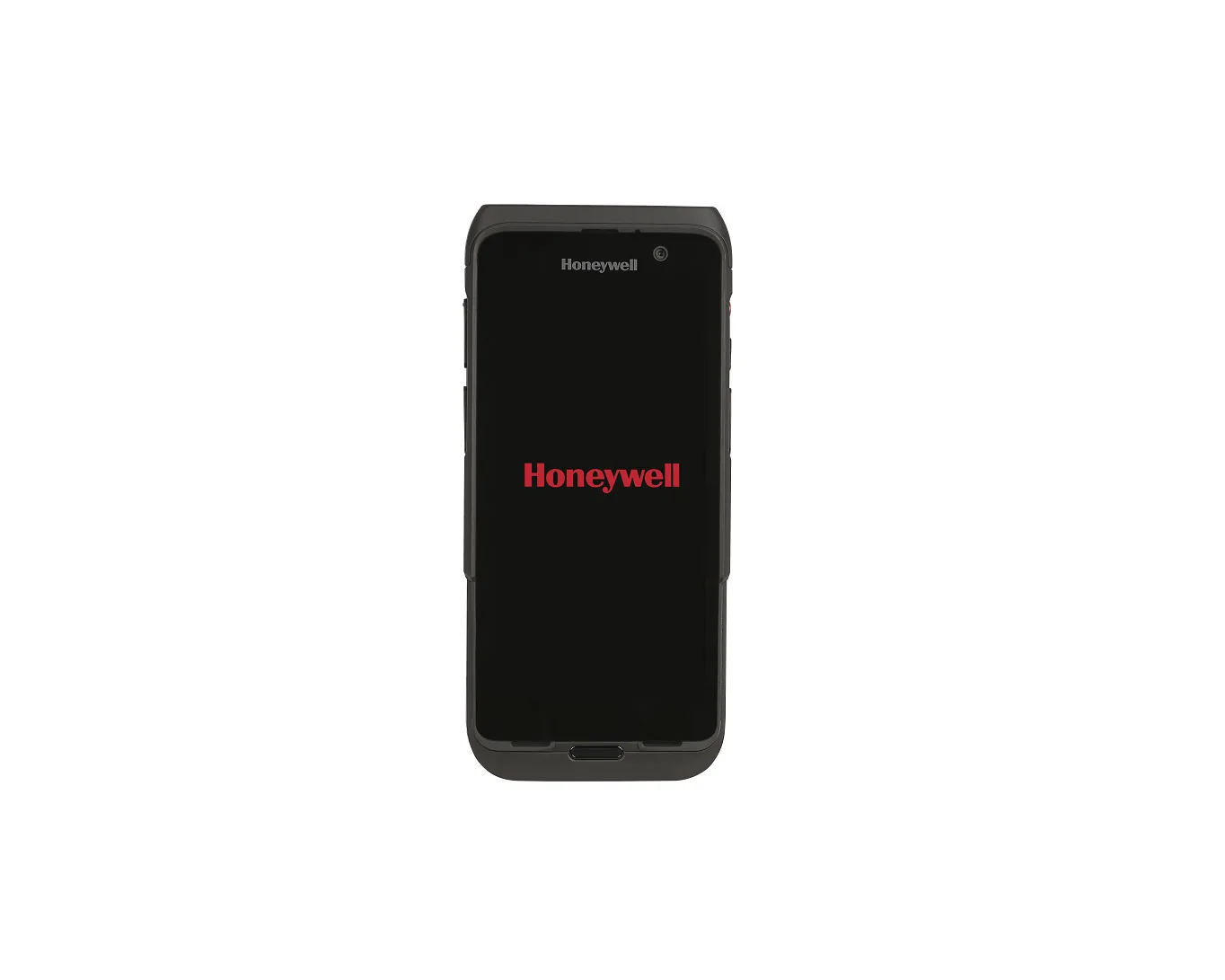
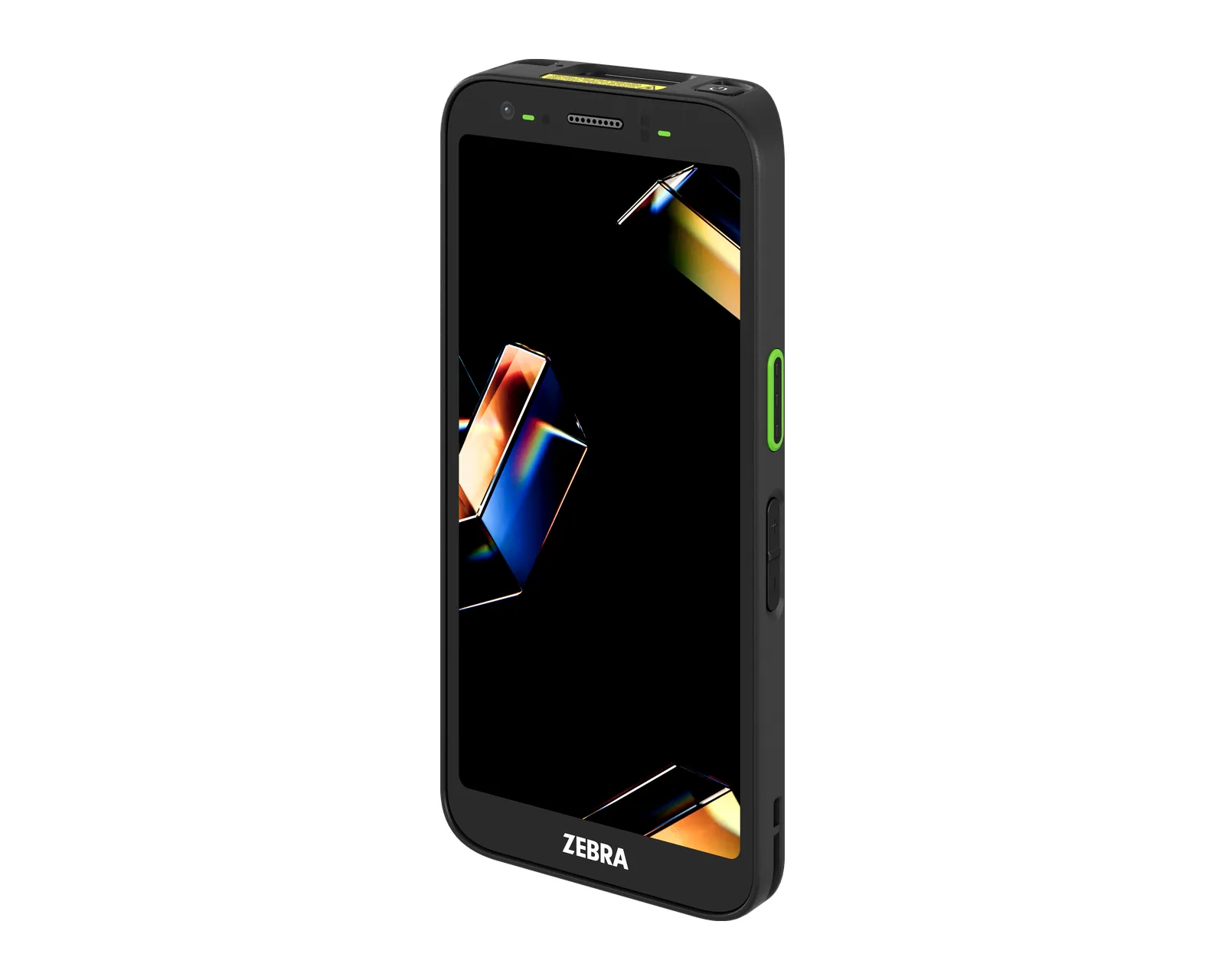
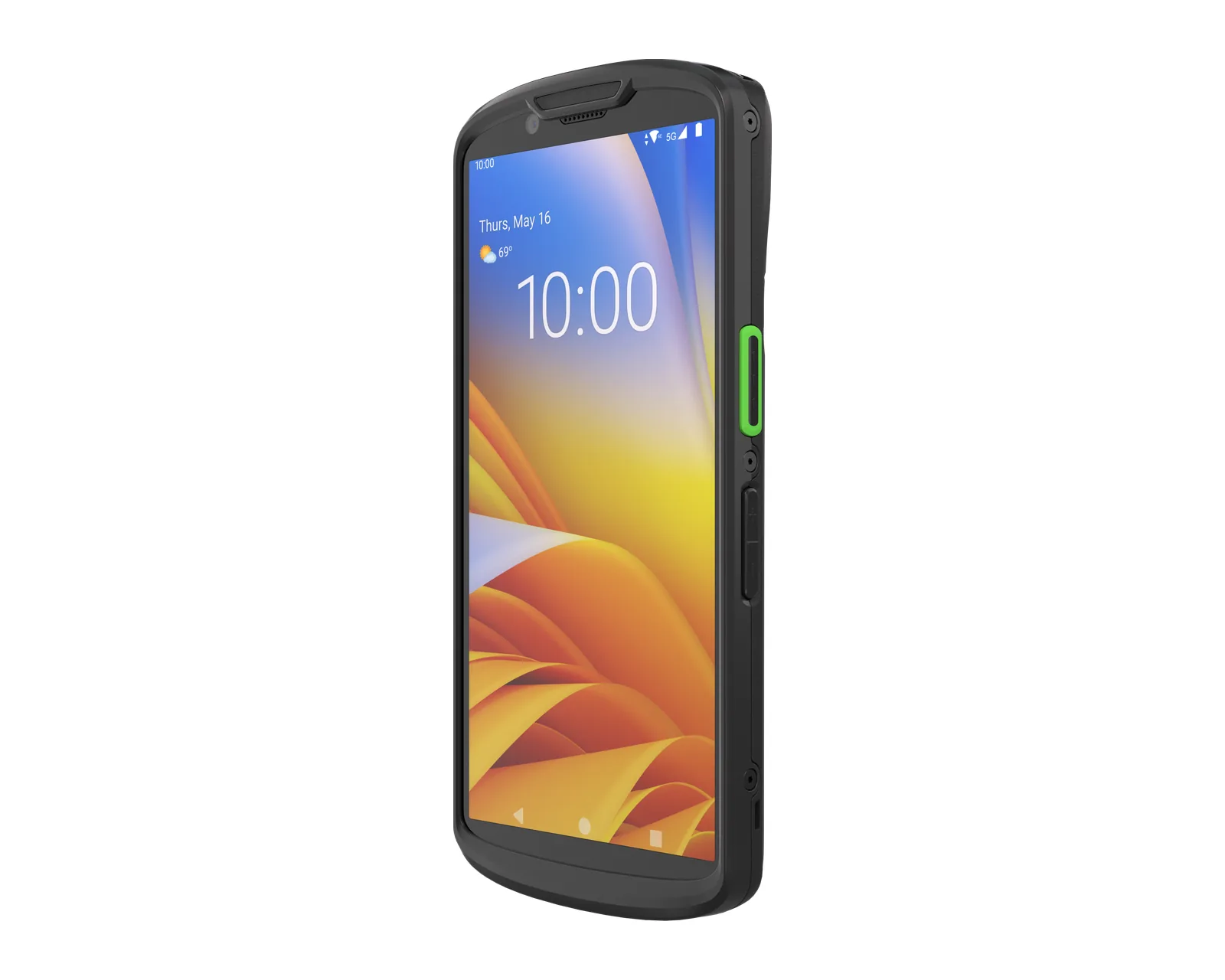
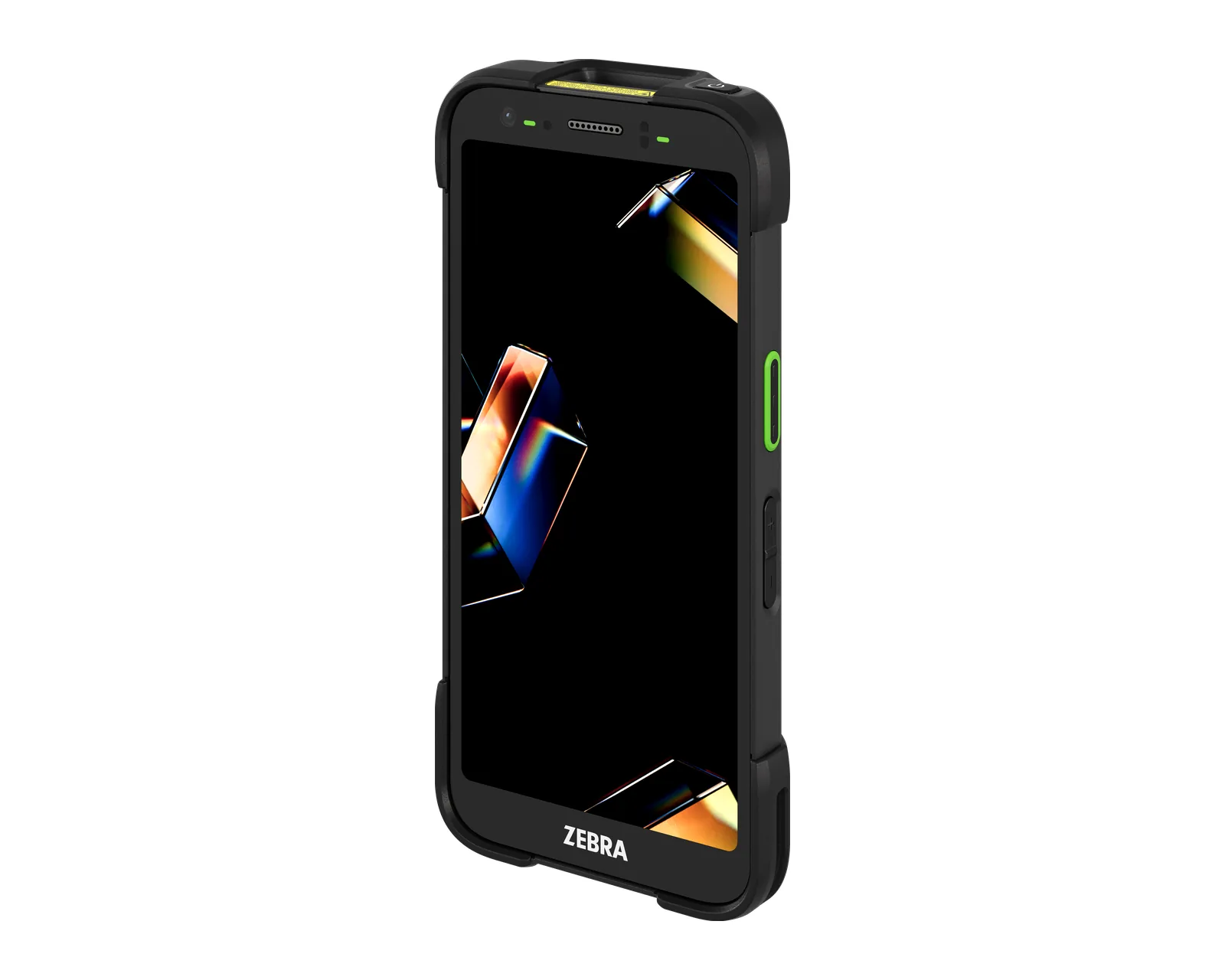
They are smartphone-shaped, with a 5–6 inch screen and few physical keys. They are light, familiar and suited to retail, courier work and warehouse tasks with little data entry. Examples: Zebra TC22, TC53e; Honeywell CT37; Datalogic Memor 11.
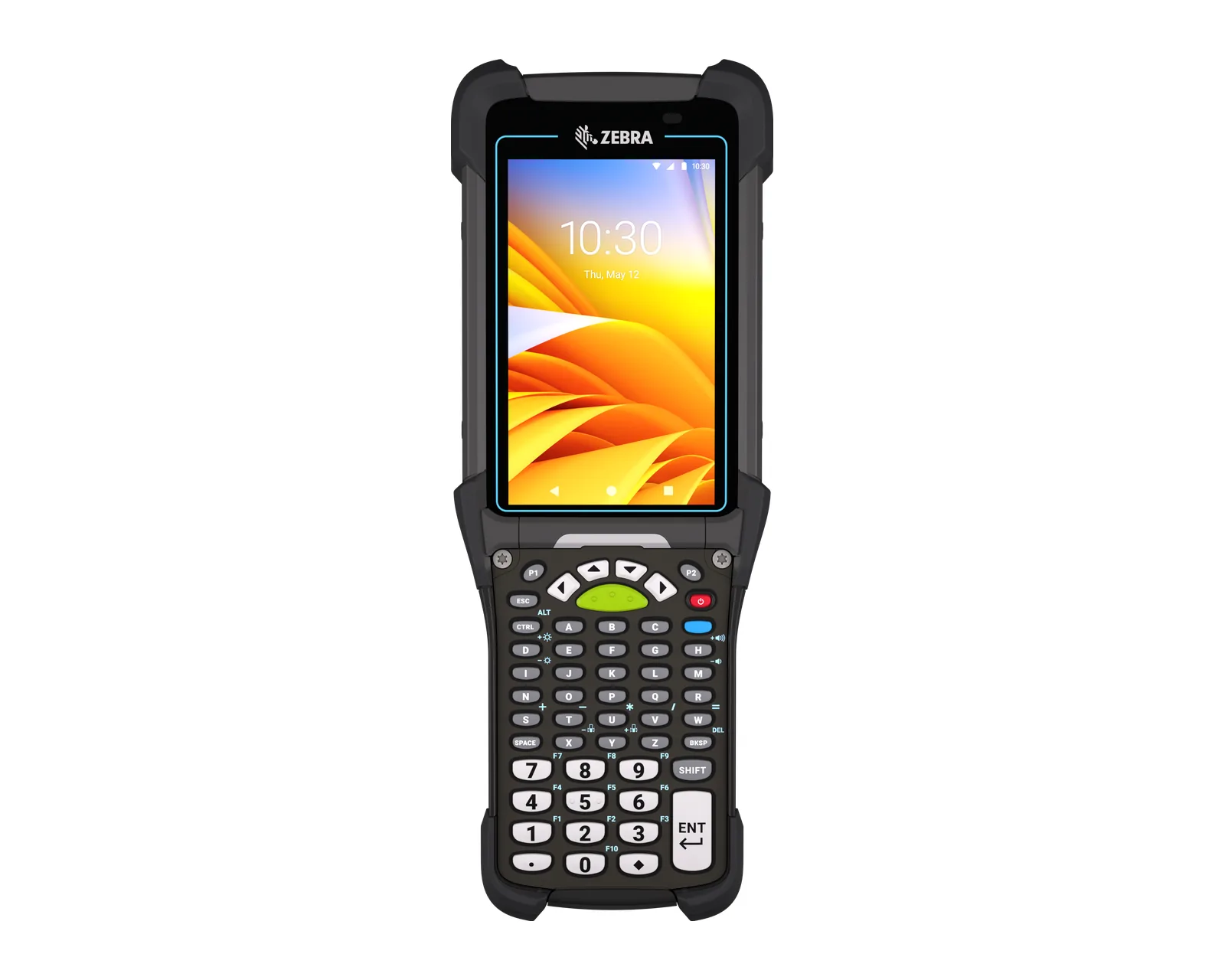
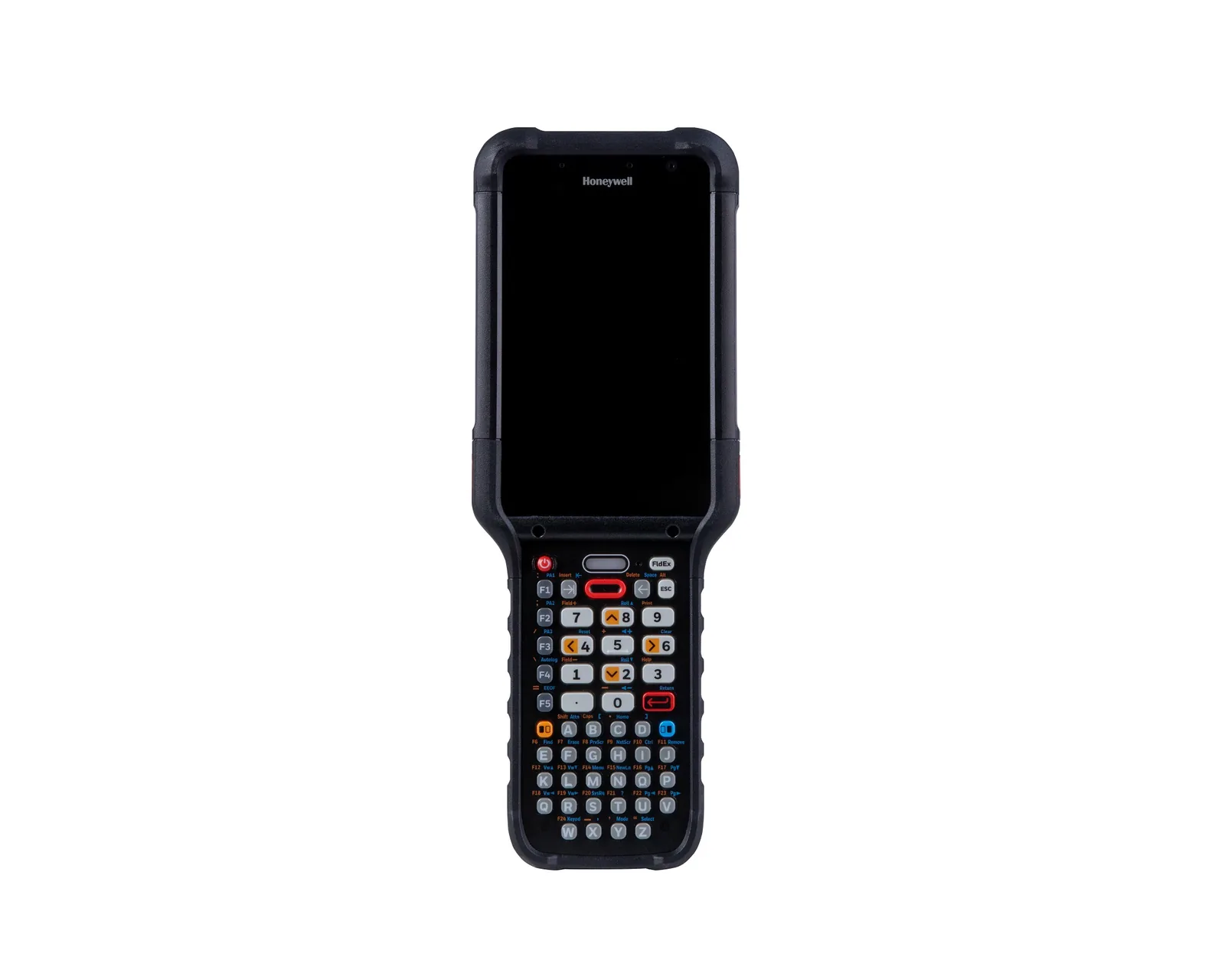
Keypad terminals
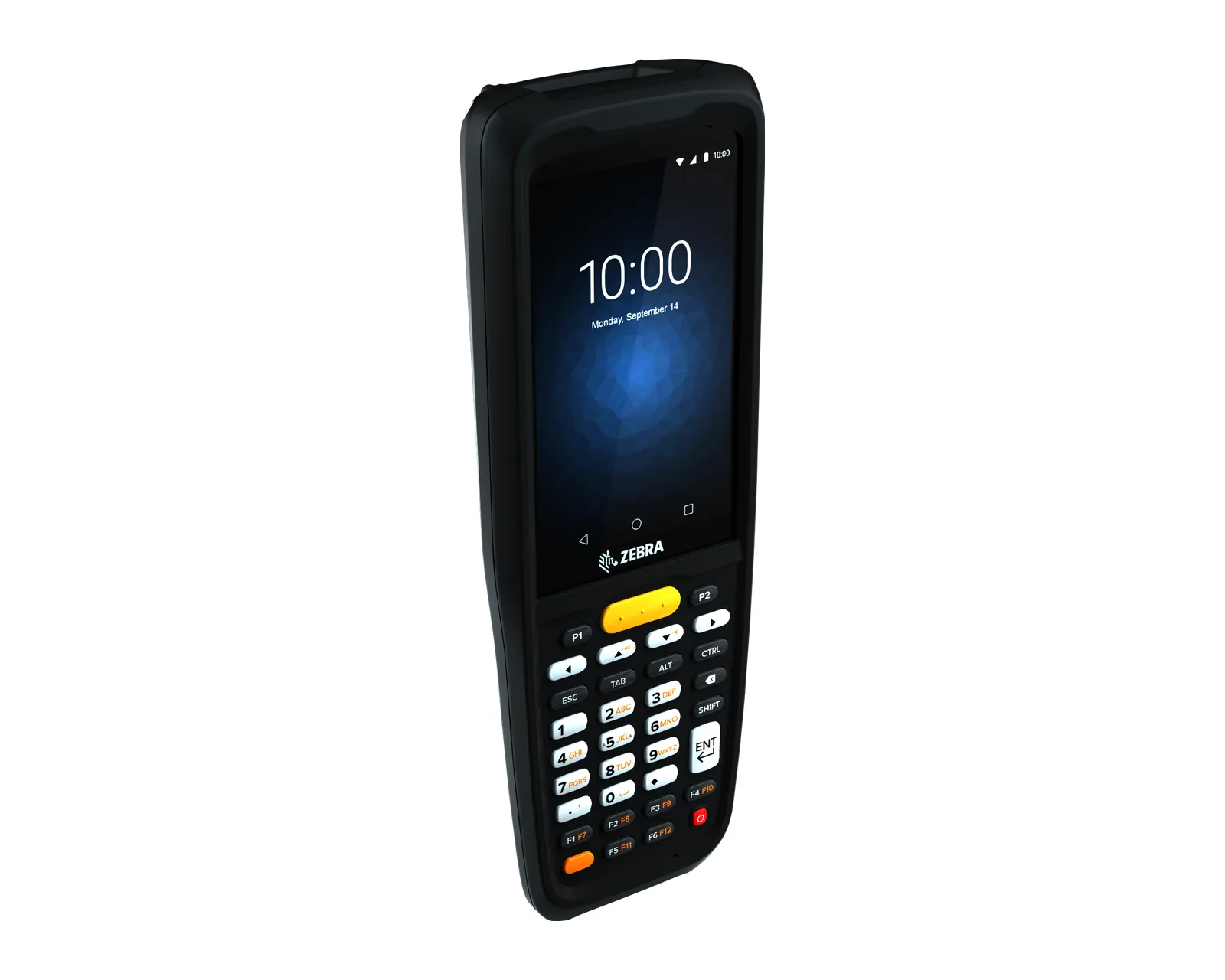
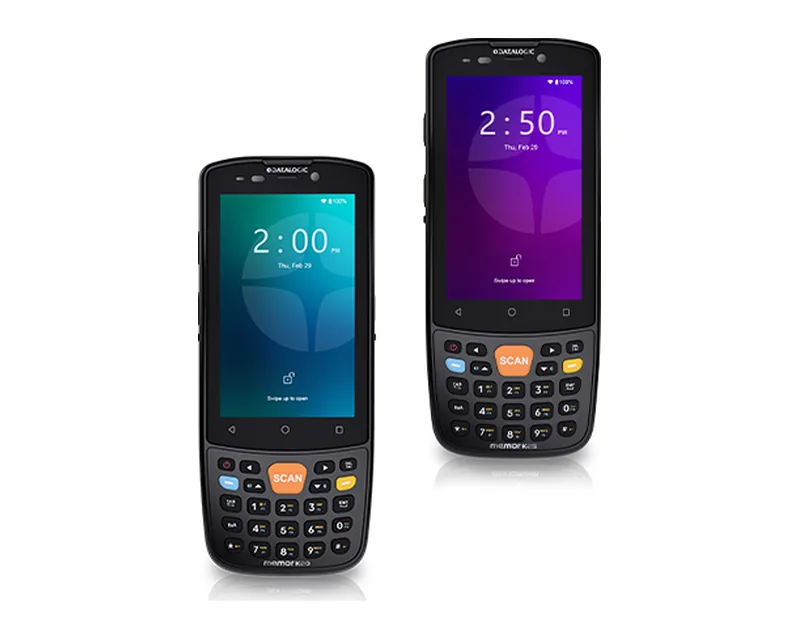
They have physical numeric or alphanumeric keys and a smaller screen. They are preferred when the operator often enters quantities and codes or works with gloves. Examples: Zebra MC3400; Honeywell CK62, CN80; Datalogic Skorpio X5, Memor K20.
Pistol-grip terminals
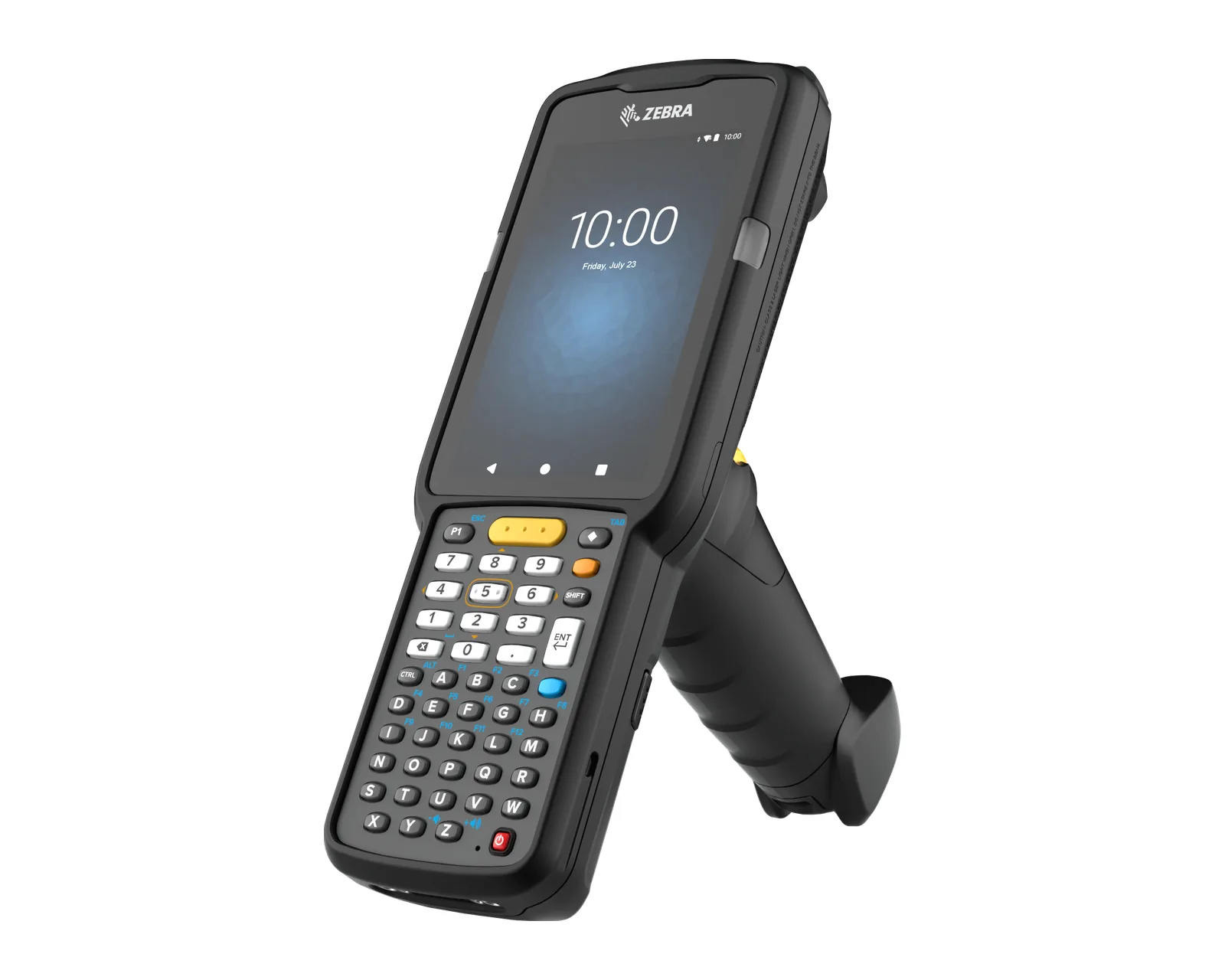
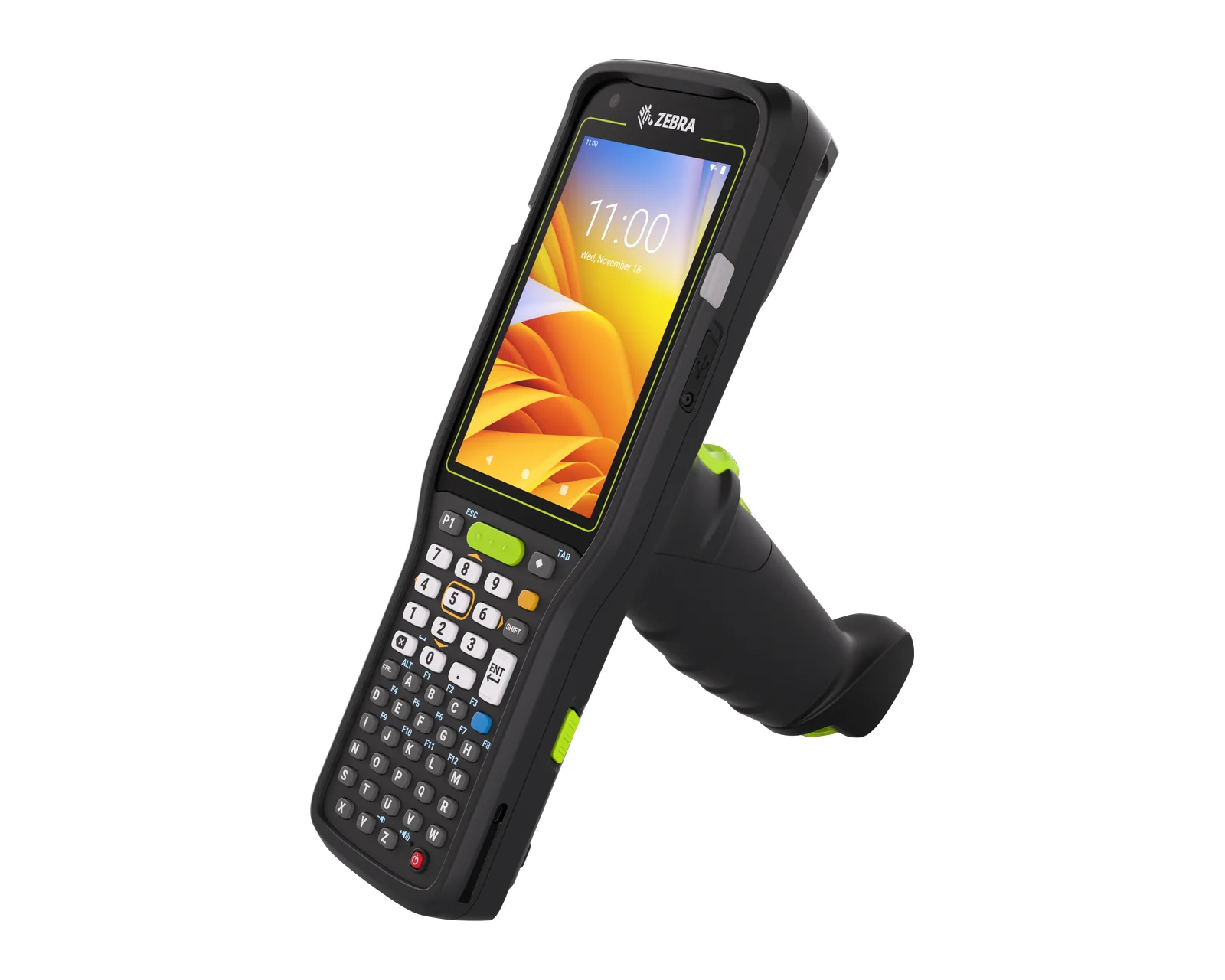
They have a handle with a trigger, for continuous scanning: picking, loading. Examples: Zebra MC3400 (gun version), MC9400.
Wearable computers
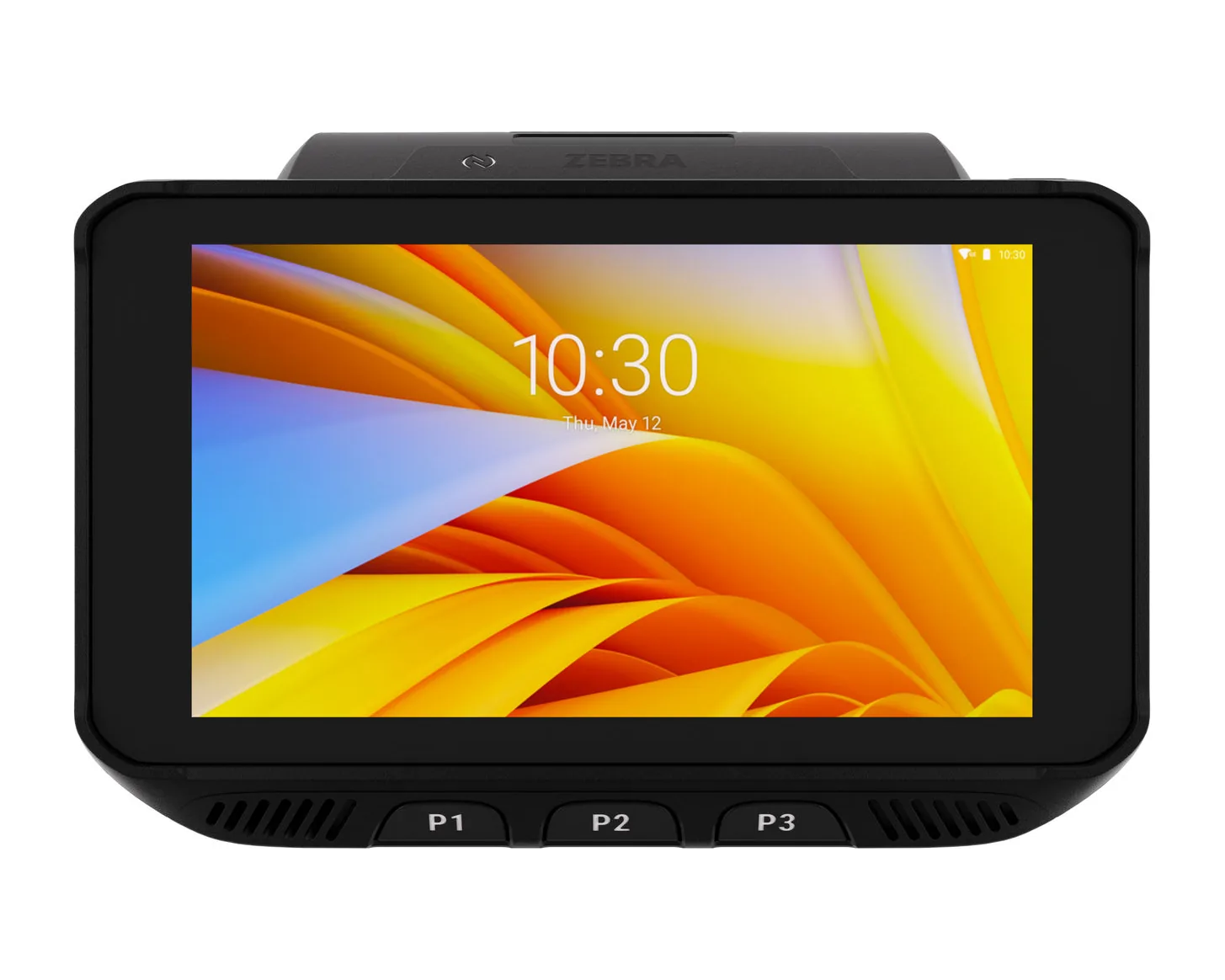
Worn on the hand or wrist, they free the operator's hands. Example: Zebra WT6400, for warehouse and production, including in the cold.
Vehicle-mounted computers
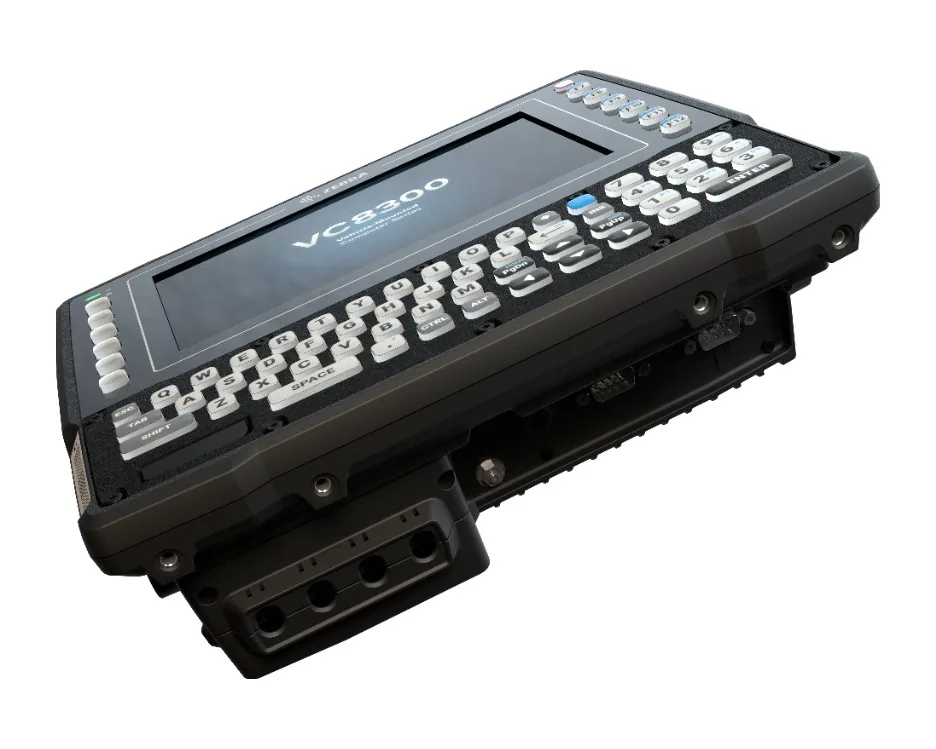
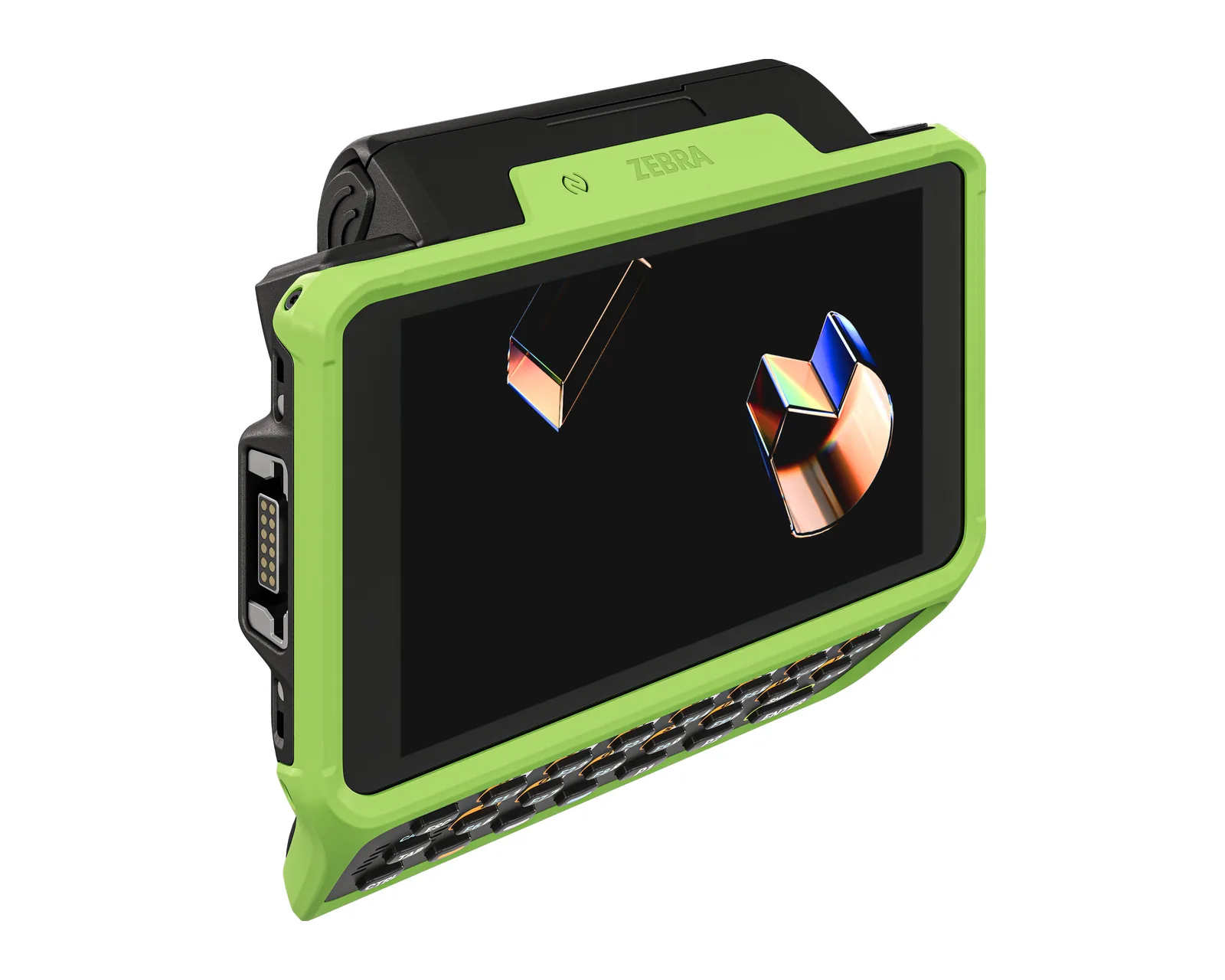
Mounted on a forklift or other vehicle, with a large screen and keyboard. Example: Zebra VC8300.
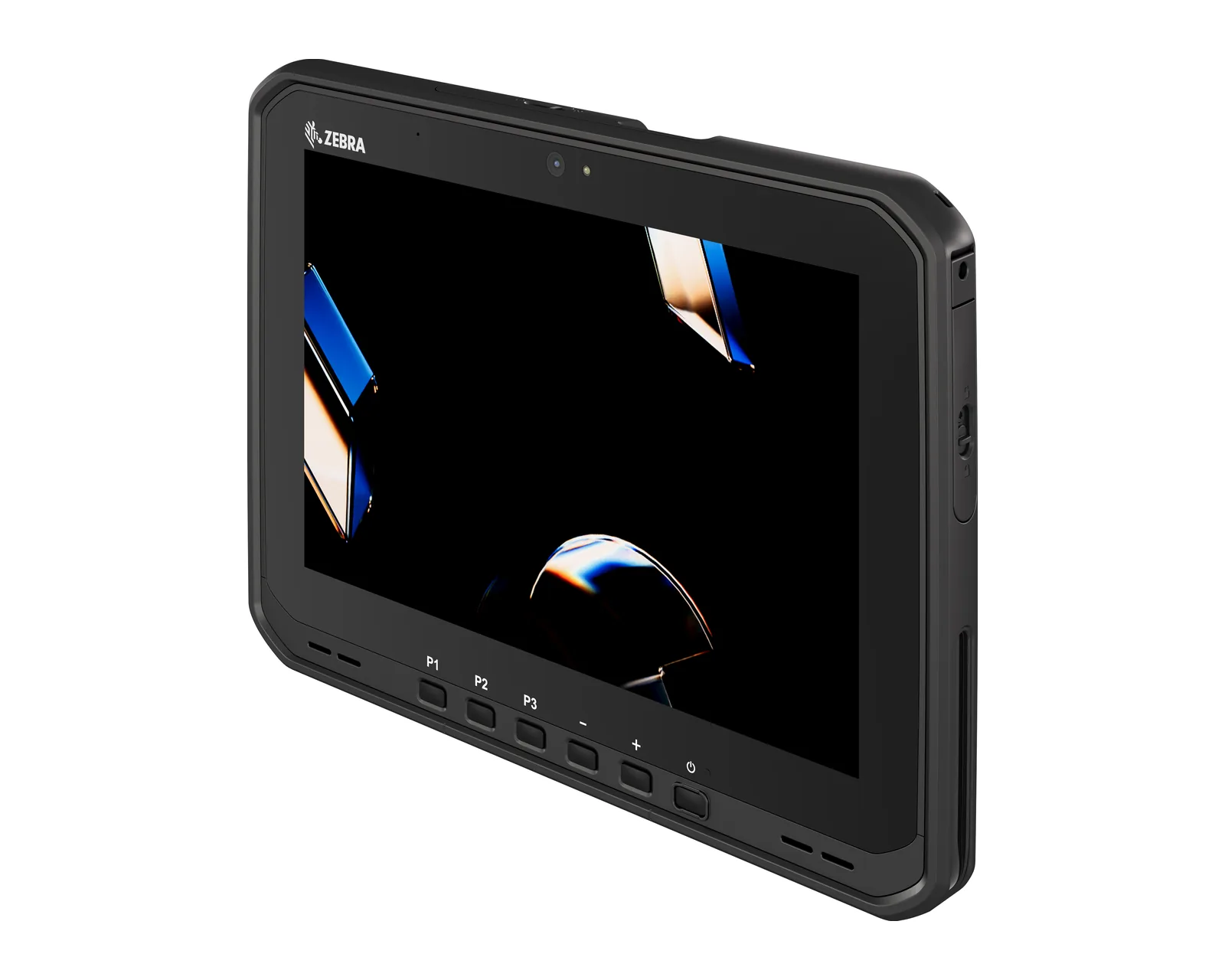
Industrial tablets
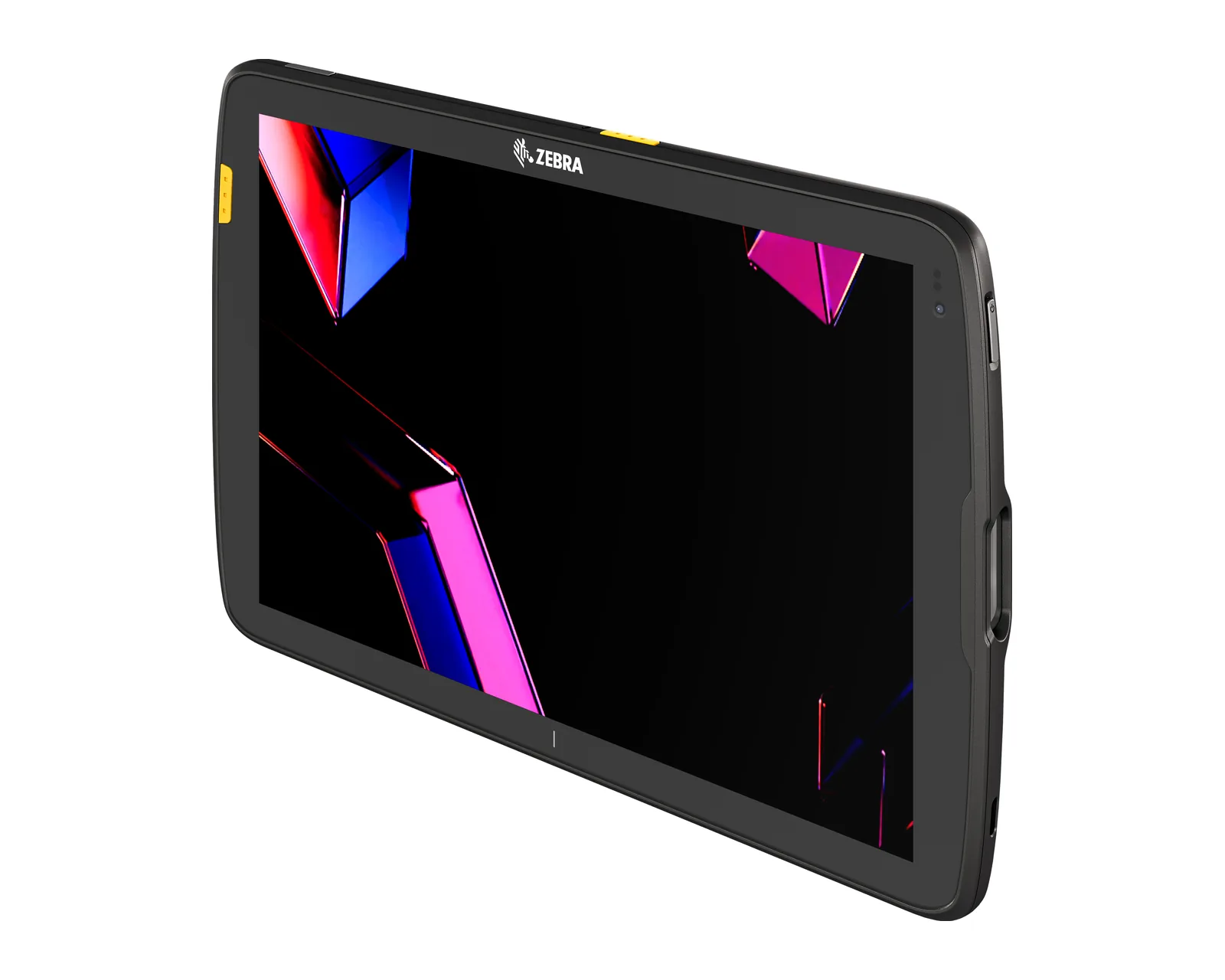
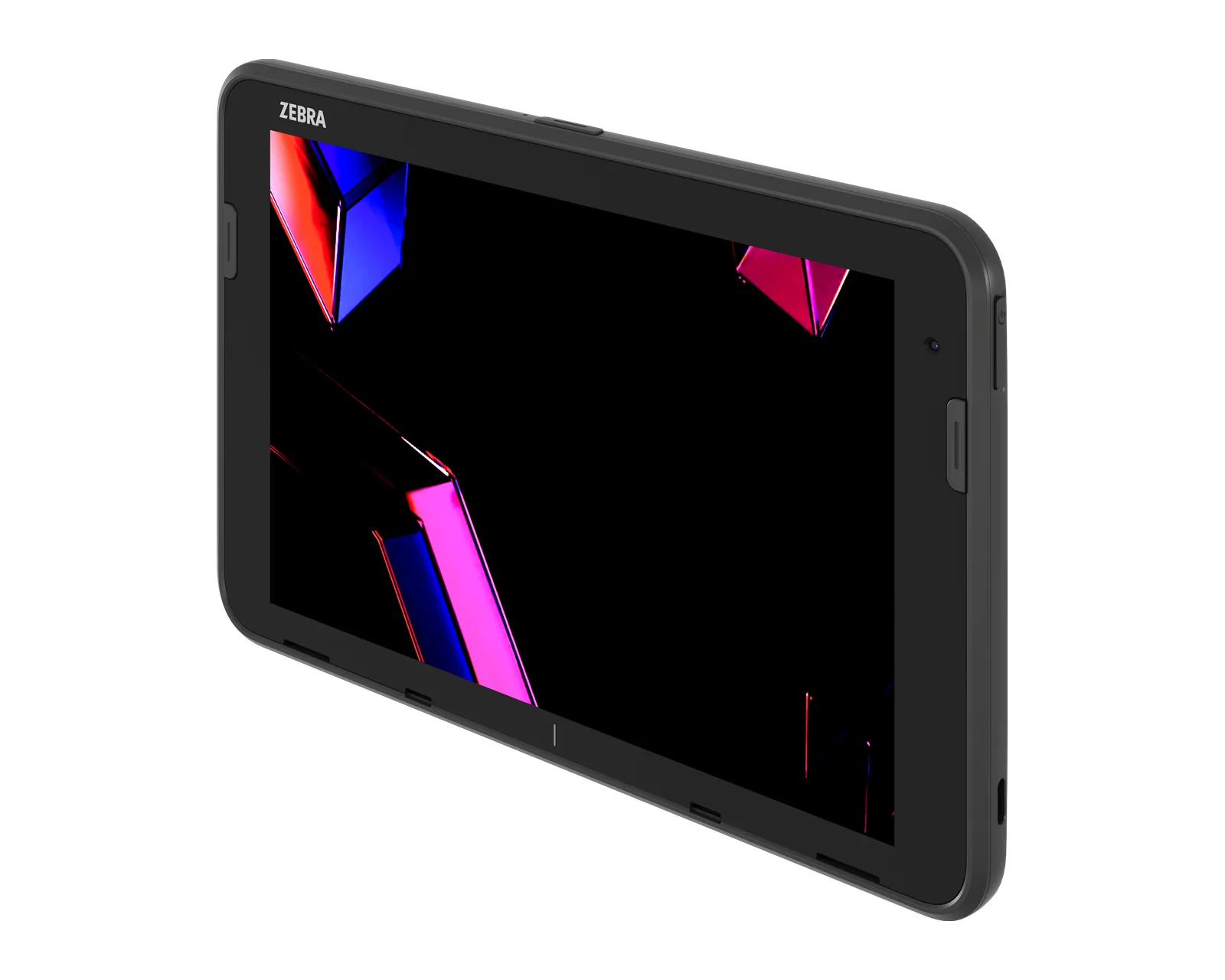
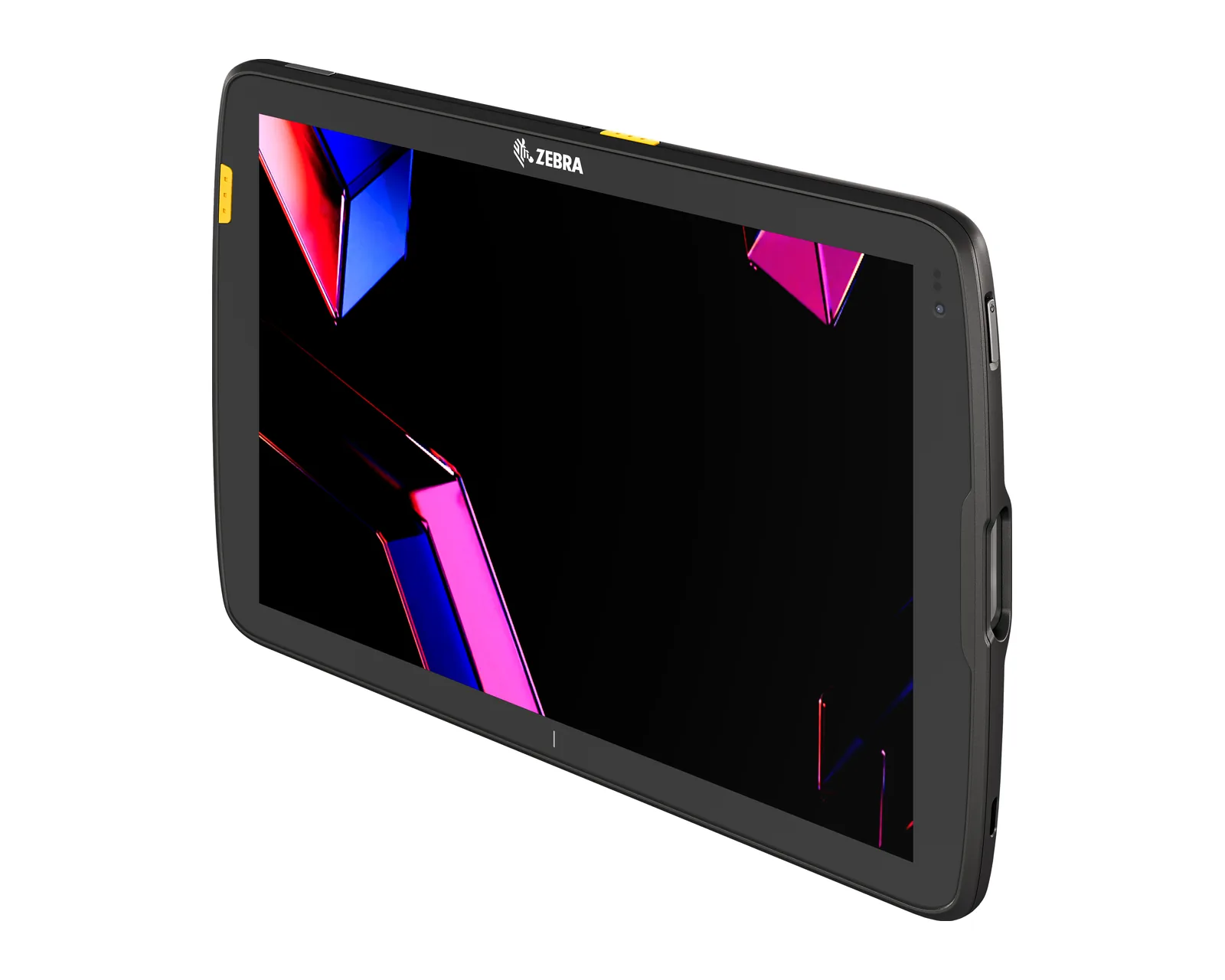
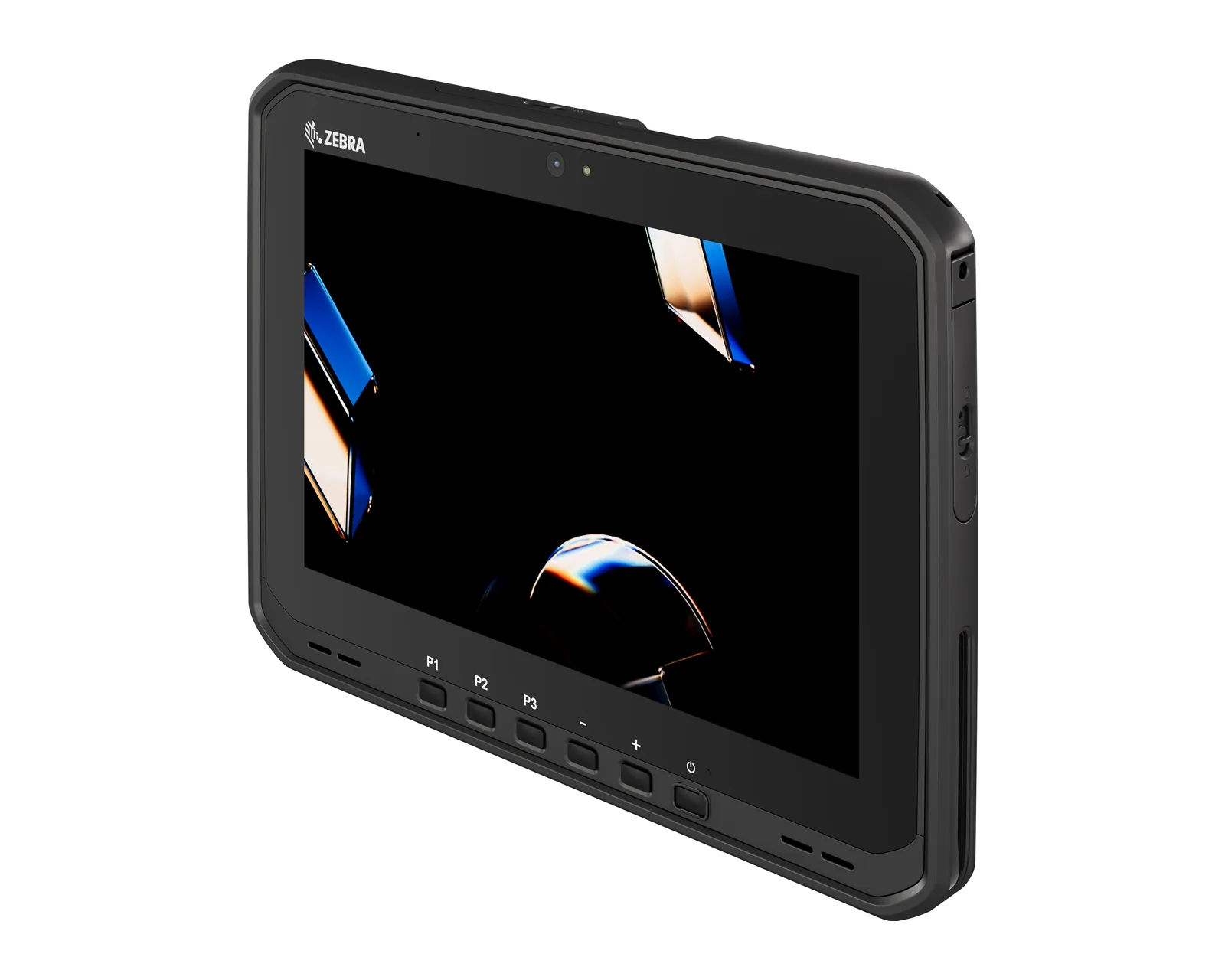
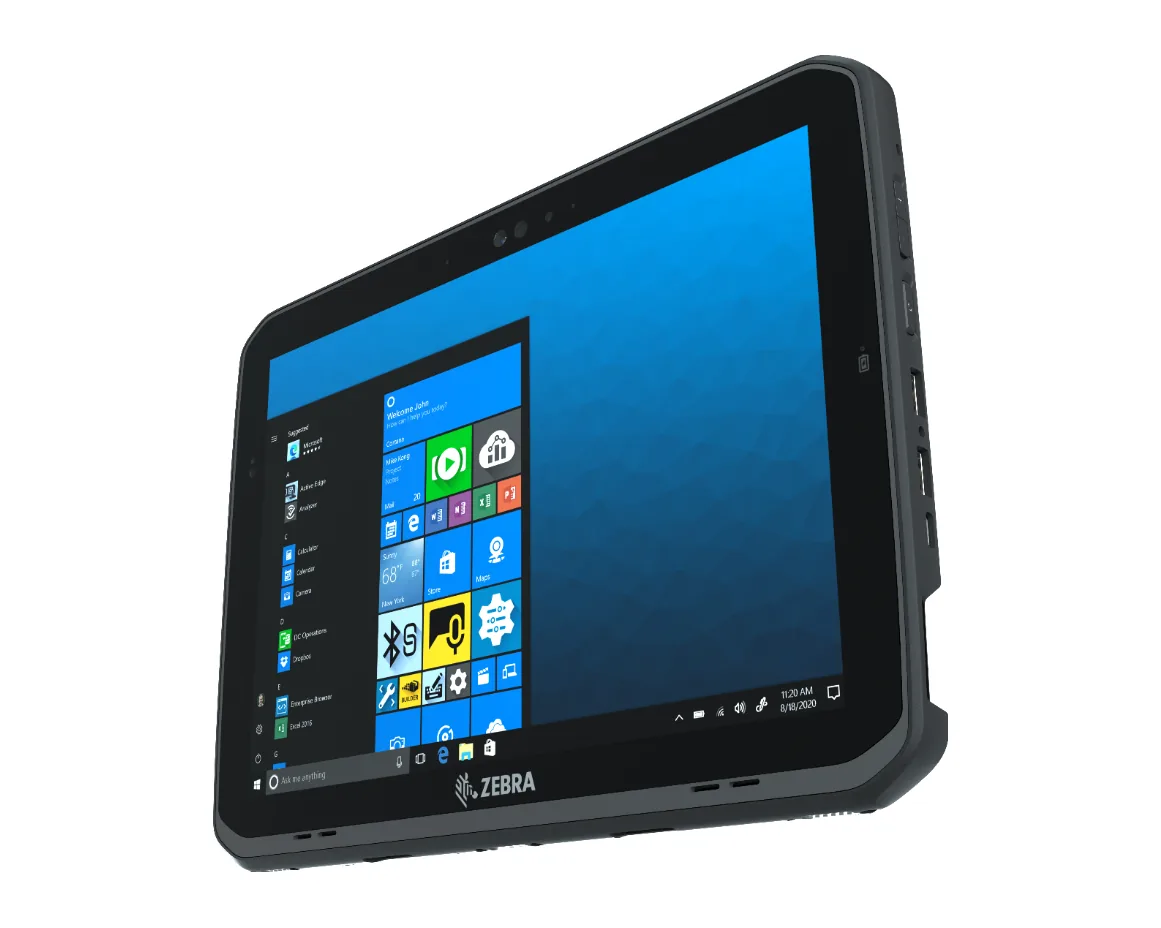
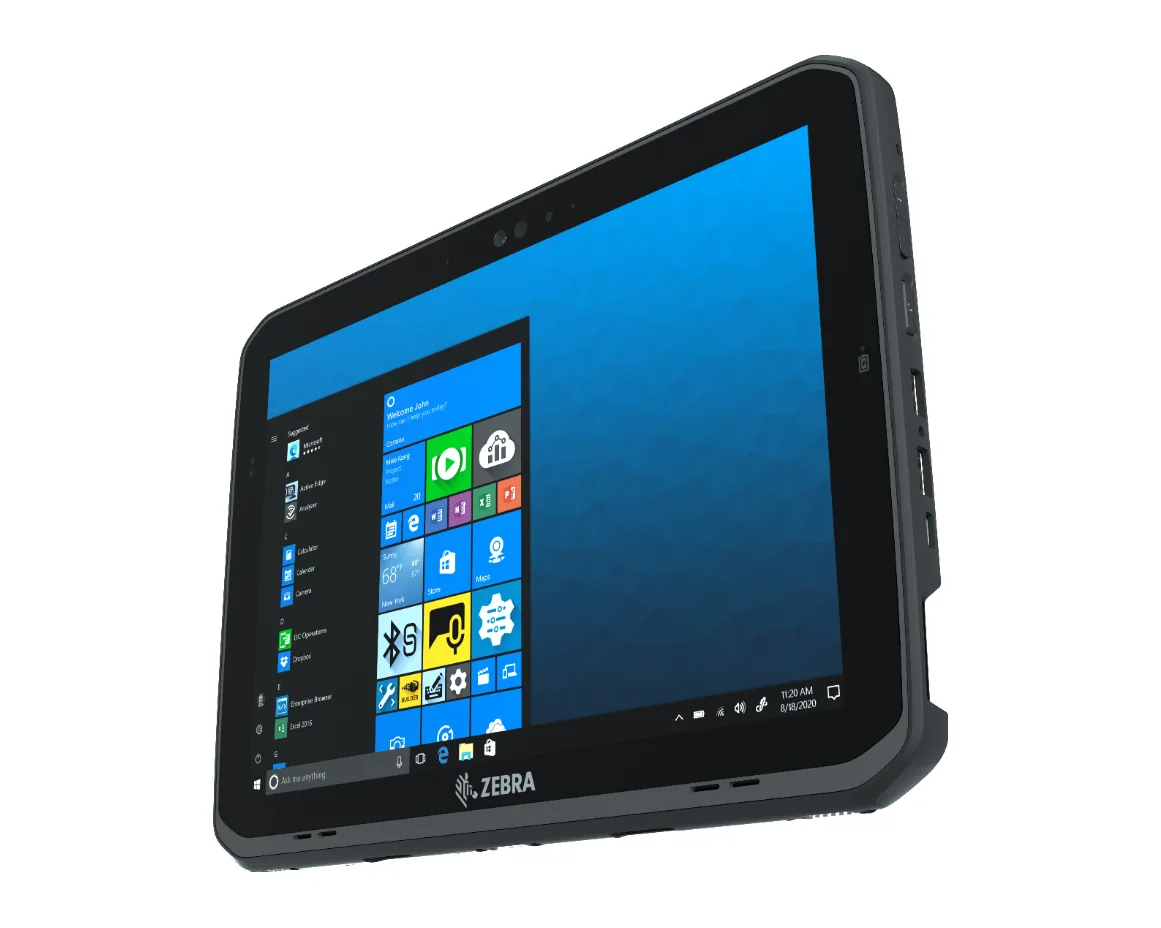
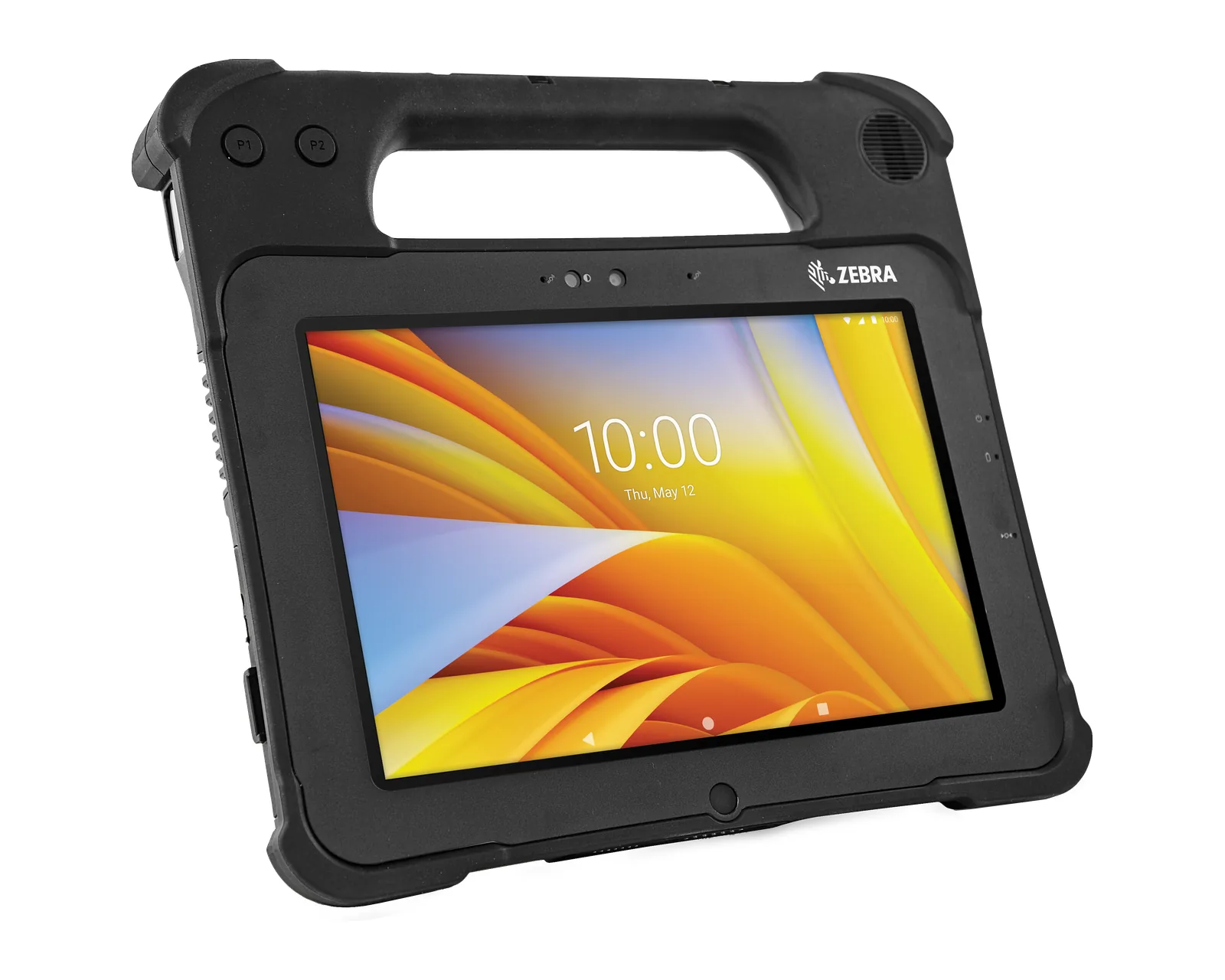
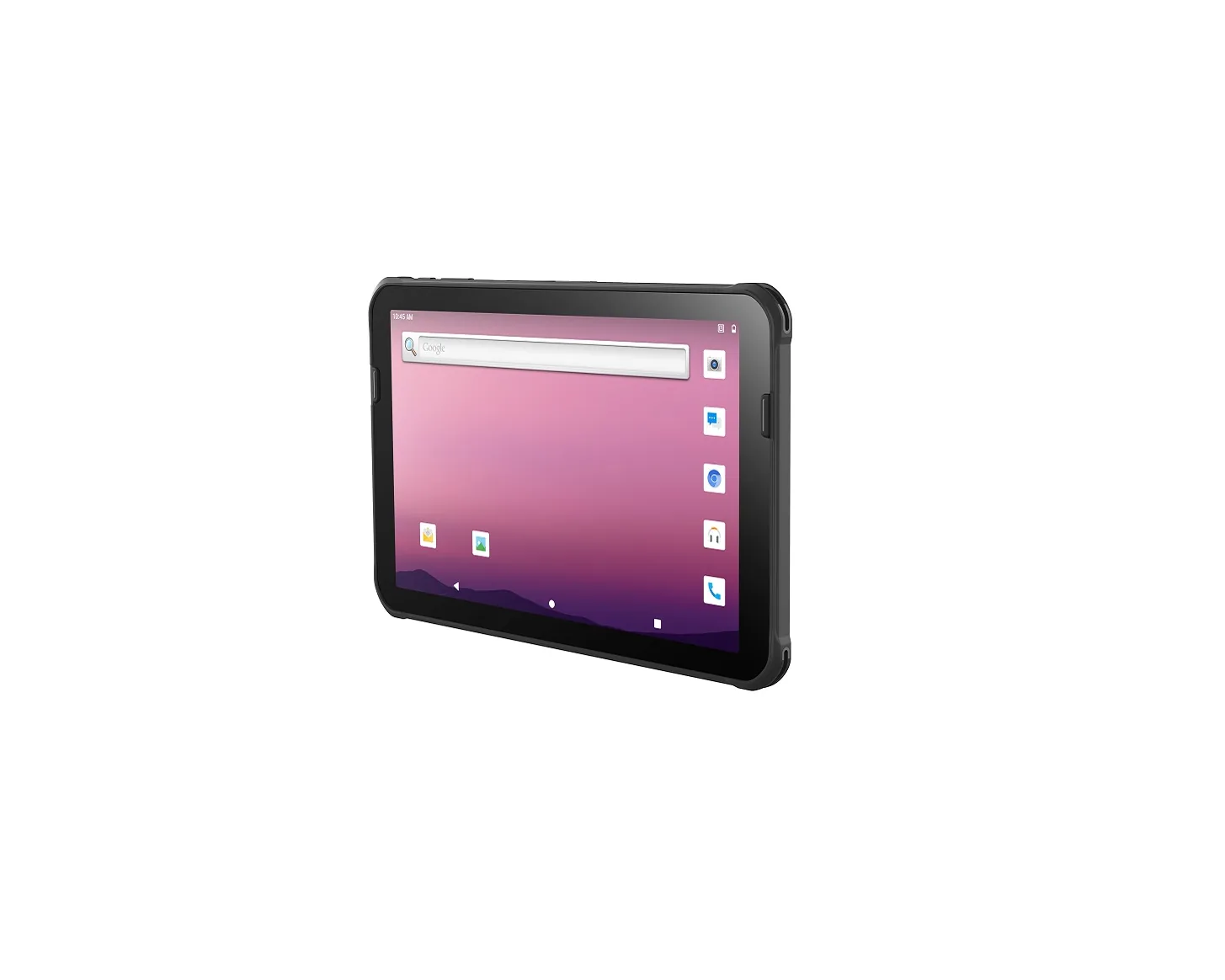
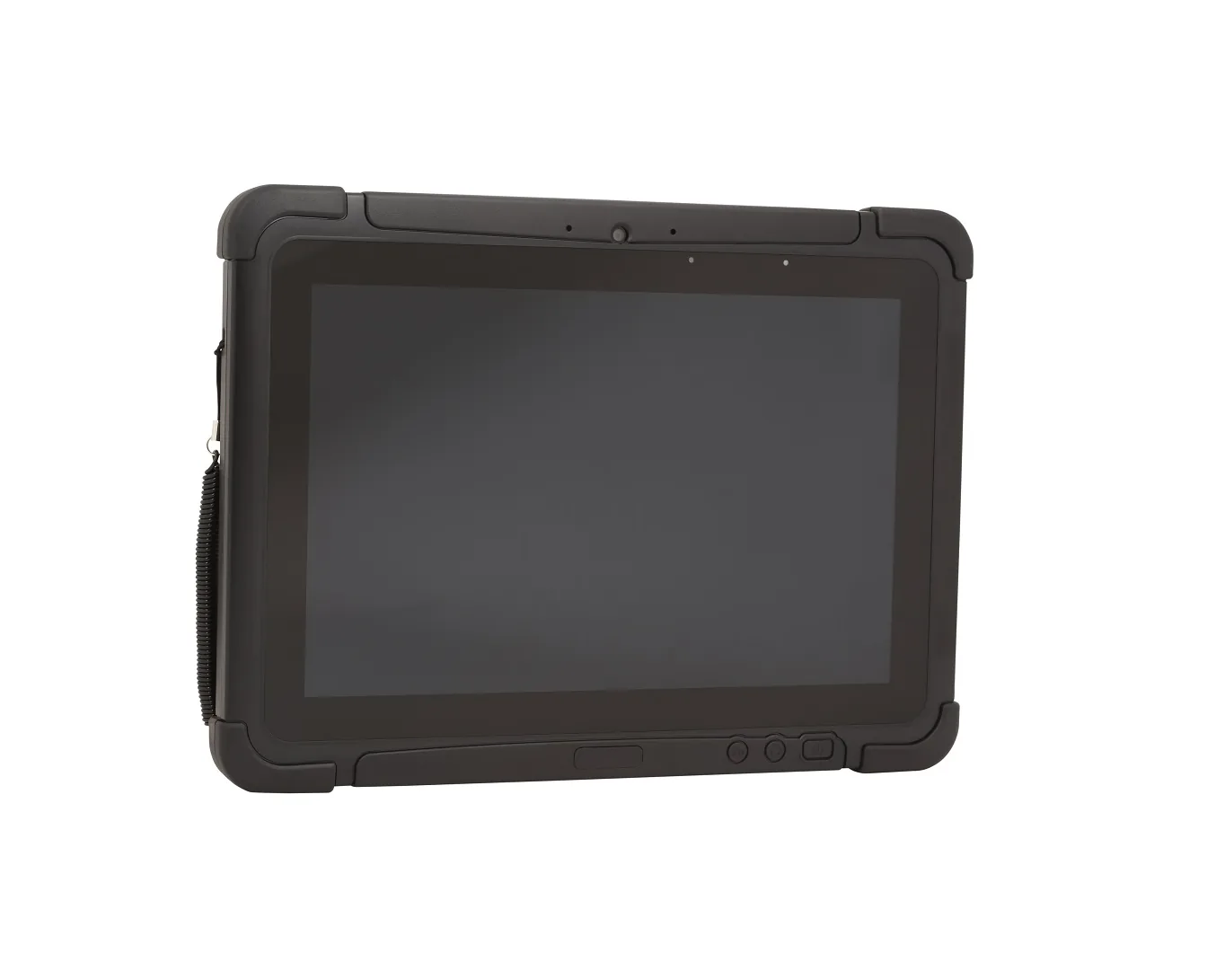
An 8–12 inch screen, a rugged housing, often with an integrated scanner. Used at the workstation, in the vehicle cab, for inspection. Examples: Zebra ET40, ET60; Honeywell RT10A.
How to choose a terminal
Most mistakes are made when choosing by price or by a well-known brand. Start from the process.
Scanner
For codes at hand level, a standard engine (SR) is enough. For tall racking and pallets far away, choose an extended-range engine (ER), and for very long distances the XR/XLR variants (for example Zebra MC9400/MC9450, TC8300). Also check the type of codes: small, worn or directly applied labels need a high-performance engine for difficult codes. More in the article on long-range scanning.
Connectivity
Wi-Fi 6E brings less interference and stable roaming, useful in large warehouses with many access points. 5G or 4G are needed if you work outside the building (courier, field). If your network is old, a Wi-Fi 6E terminal will still work, but the benefits appear with the right infrastructure. See Wi-Fi 6E and 5G in the warehouse.
Battery
Plan for a full shift, with a reserve. A larger capacity or an extended battery helps with 10–12 hour shifts, and hot-swapping lets you keep the terminal running. In cold rooms battery life drops, so choose models with a cold-rated battery.
Durability: IP rating and drops
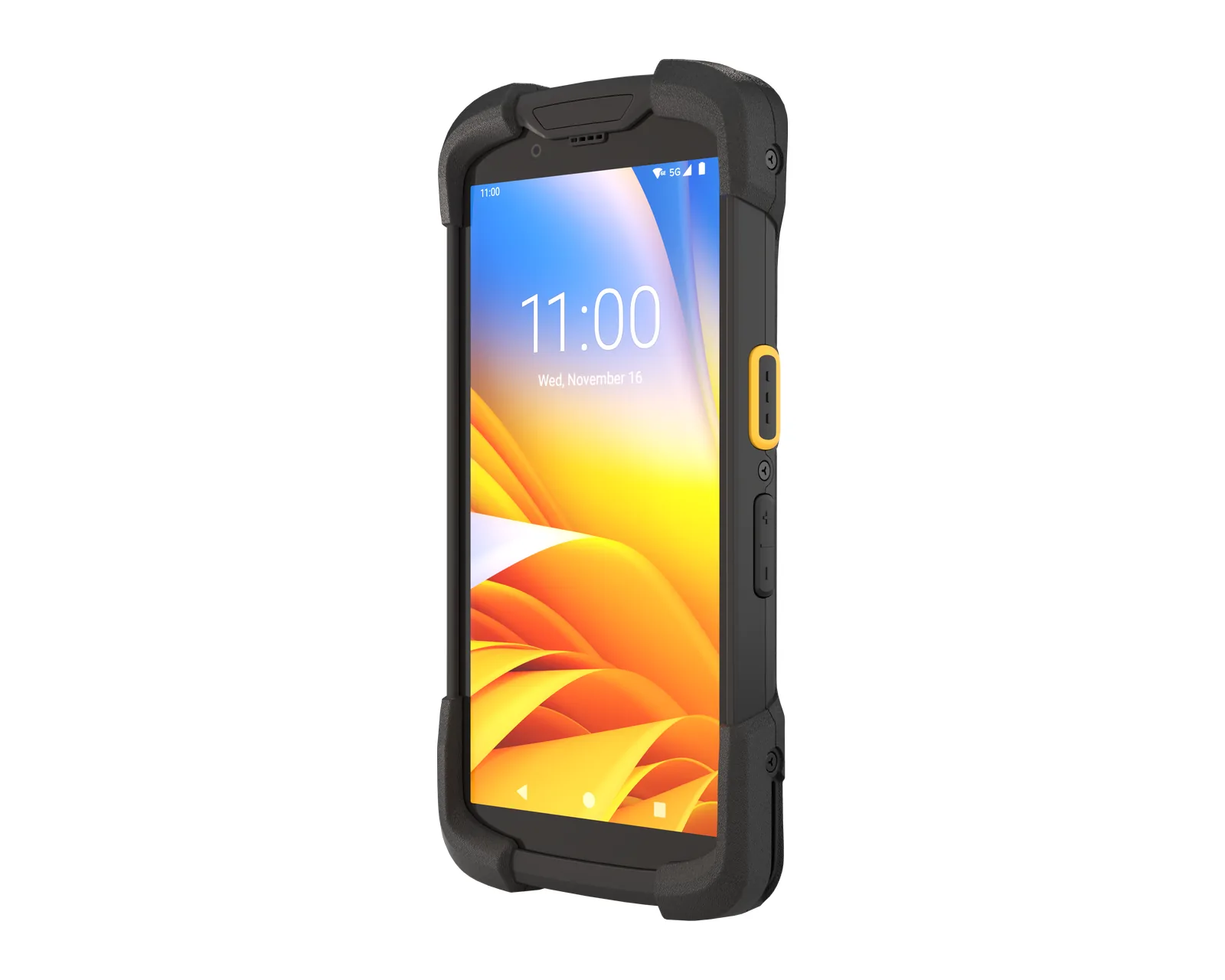
IP65 means protection against dust and water jets, IP67/IP68 against temporary immersion. For drops, look at the declared height onto concrete and the conditions (with or without a case, at what temperature). Ultra-rugged terminals (Zebra TC73/TC78, Honeywell CT47, CT60 XP) withstand drops of over 2–3 m, but in a store a simpler model may be enough.
Android and updates
Choose a model with a clear Android and security update schedule, covering several years. For a large fleet, a model with long-term support makes maintenance cheaper. If you have old software on Windows CE/Mobile, see moving to Android.
Integration with your records system
The terminal must work with your WMS, ERP or POS. Decide in advance: a native Android application, a web application or terminal emulation for legacy software. For the warehouse, see also WMS on wms.md.
How to choose by industry
| Industry | What matters | Where to look |
|---|
| Warehouse | Scanning range, battery, Wi-Fi roaming | Warehouse |
| Retail | Screen, weight, mobile checkout | Retail |
| Production | Durability, difficult codes, traceability | Production |
| Courier | Battery, 4G/5G, GPS, signature | Courier and transport |
Brands
We offer terminals from three manufacturers: Zebra, Honeywell and Datalogic. Each has models for all of the industries above; the real differences are in the scanner, ergonomics, update policy and accessories. That is why we compare models on practical criteria. You can compare models in the catalog.
Frequently asked questions
What is the difference between a data-collection terminal and a smartphone?
A terminal has an integrated scanner, a housing and battery built for daily work, keys or a screen adapted for gloves, and manufacturer support for fleets. An ordinary smartphone scans with its camera, more slowly, and withstands drops and harsh conditions less well. See also Mobile computer or smartphone.
Android or Windows?
For new devices, Android is recommended: it receives updates and has applications and management tools. Windows CE/Mobile is no longer supported, and the move can be made gradually, keeping the old software through terminal emulation.
What do SR, ER and XR scanners mean?
SR is standard-range scanning, from a few centimeters to a few meters. ER (extended range) reads from longer distances, and XR/XLR is for very long distances, needed at tall racking.
What IP rating is enough?
For a store, IP54 or IP65 is often enough. For warehouse and production we recommend IP65 or IP67, and for very harsh conditions or washdowns IP68.
Why Wi-Fi 6E?
Because it uses the 6 GHz band, which is less crowded and has less interference. The benefits show when the access points are compatible as well.
How long does the battery last?
It depends on the model, the variant and the temperature. For an 8–12 hour shift, choose the extended battery or a hot-swappable model and plan for a reserve.
How many terminals are needed?
Usually one for each operator on the shift, plus a reserve for swaps and service. We work out the exact number together with you in the quote.
How do I request a quote?
Add the models to your quote cart or write to us. The price is set individually, depending on the configuration.