Data-collection terminal or ordinary smartphone
An ordinary smartphone looks cheaper, but the real cost shows up in lost time, broken devices and lack of management. When each option makes sense.
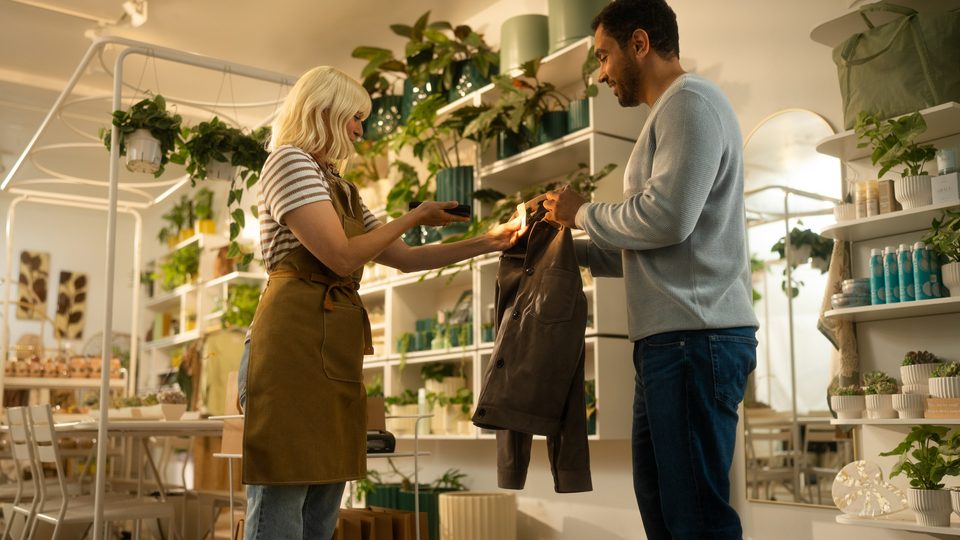
The question comes up in almost every project: can't we just use ordinary phones with a scanning app? Sometimes yes. But often the price difference disappears within a few months, in lost time, breakdowns and management complications.
What a terminal does differently
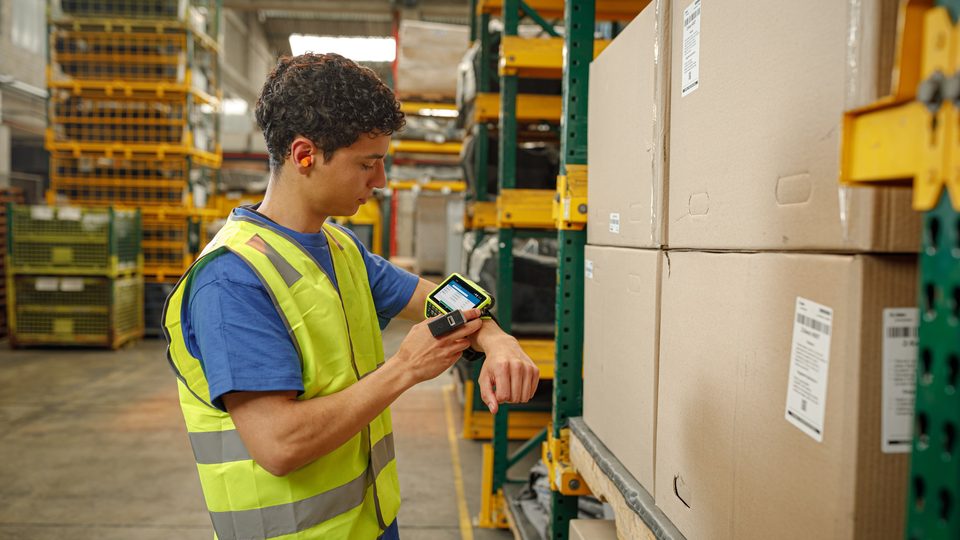
A data-collection terminal has a hardware scanner, that is, a dedicated module with illumination and optics for barcodes, triggered by a physical button. It reads fast, at different angles, including worn or wavy codes. A smartphone uses its camera: it has to focus at every scan, and in low light or on small labels reading takes longer.
Besides the scanner, a terminal has:
- A housing with an IP rating and a concrete drop specification
- A replaceable battery and accessories for charging a fleet
- Physical scan keys, comfortable to use, also with gloves
- A screen readable in bright light and, on some models, usable with gloves
- A security update program and fleet management tools
- Spare parts and service for many years for the same model
Comparison
| Criterion | Data-collection terminal | Ordinary smartphone |
|---|---|---|
| Scanning | Hardware scanner, fast, tolerant of difficult codes | Camera, slower, depends on light |
| Durability | IP65–IP68, drops onto concrete | Usually fragile, needs a case |
| Battery | Replaceable, sized for a shift | Built-in, degrades over time |
| Management | Fleet tools, bulk settings | Possible, but limited |
| Lifecycle | Model produced for years, compatible accessories | Model changes every year |
| Initial price | Higher | Lower |
| Cost over 3–4 years | Often lower | Breakdowns, replacements, lost time |
When a smartphone is enough
An ordinary phone can be justified if:
- Scanning is rare (a few dozen codes a day)
- The device is not dropped and does not work in dust or cold
- The user holds it in hand and has time to aim the camera
- The fleet is small and needs no central management
- Periodic replacement of devices is acceptable
Examples: a sales agent who scans a few products, a store manager who checks stock occasionally, a pilot project.
When you need a terminal
- You scan hundreds of codes per shift, and every second lost is multiplied by the number of scans
- People work with gloves, in the cold, in dust or on a dock
- The device gets dropped regularly
- There are dozens of users, and IT wants to manage settings, applications and updates centrally
- The process cannot stop because of a broken device
How to calculate the real cost
Do a calculation over 3–4 years, not just the purchase price: 1. The price of the device and accessories (case, charger, cradle). 2. Time lost on scanning: if a terminal saves two seconds on each scan, at 500 scans a day that is more than 15 minutes a day for one operator, every working day. 3. Breakdowns: how much it costs to have an operator idle until the device is replaced. 4. Management: IT time spent configuring each phone individually. 5. Replacement: how long the same model and the same accessories stay available.
For many warehouses and stores, these figures favor the terminal. For a simple, small process, the phone may win.
The middle option
Some manufacturers offer smartphone-style terminals (for example Zebra TC22/TC27, Honeywell CT30 XP or Datalogic Memor 11): they look and are used like a phone, but have an integrated scanner and a rugged housing. For retail and courier work, this category is often the best choice.
Security and management
A centrally managed terminal can be locked remotely, its applications can be restricted and updates can be pushed on command. On a personal or store-bought smartphone these things are possible, but with effort. If your fleet will have dozens of devices, ask for information about bulk management as early as the quote.
Three short scenarios
- A store with 6 sales associates: inventory once a month and occasional price checks. A smartphone-style terminal or even a good phone is enough.
- A warehouse with 15 operators on two shifts: tens of thousands of scans a month, cold at the dock. A rugged terminal with battery swapping and central management.
- A courier company with 40 couriers: the device works outdoors, in the rain, and gets dropped from the hand. A rugged terminal with 4G/5G, GPS and an extended battery.
Conclusion
If you have doubts, run a test: give a few operators both options for a week and measure the number of scans, errors and time. For help choosing, write to us, and the models in the catalog can be compared by parameters. See also the data-collection terminal guide.