Mobile terminal or scanner: when you need each
Terminal or scanner? Five questions decide it: volume, data entry, PC or app, movement, instant answer. Plus the wearable middle way.
"Do we need a terminal or is a scanner enough?" comes up whenever a warehouse, shop or dispatch point is being equipped. The answer has little to do with price and a lot to do with what the operator must do after reading the code. Here is how to settle it.
What each device does
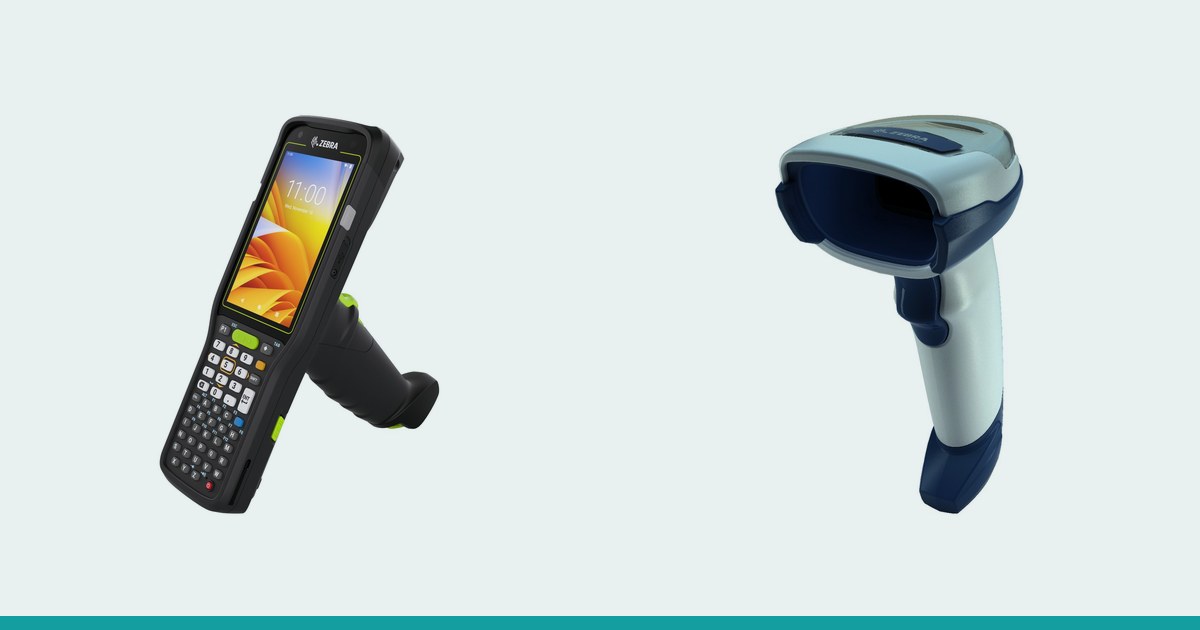
A scanner reads the code and passes it on, nothing more. For a PC or a till to understand what was read, the scanner usually acts as a keyboard ("keyboard wedge" / HID mode) and the code appears wherever the cursor is. The Zebra DS2208, for instance, offers USB, RS-232, Keyboard wedge and IBM 46XX interfaces.
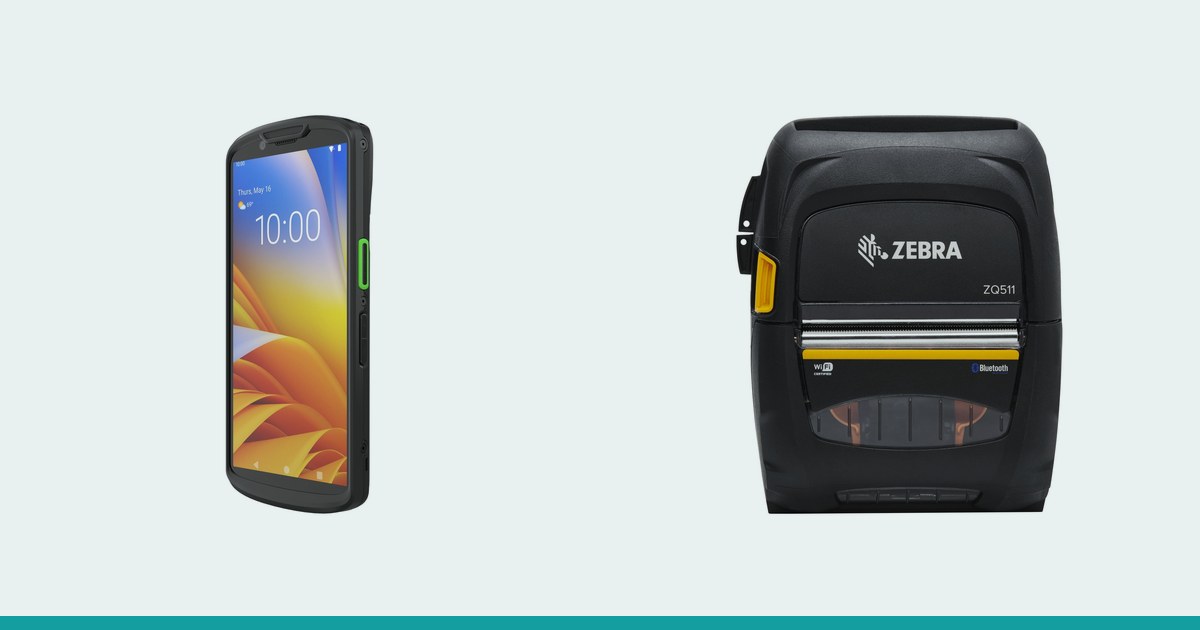
A terminal is a full computer with a built-in scanner: it has a screen, an app, memory and Wi-Fi. It reads the code but can also show the task, ask for a quantity, confirm a location and send the data to the system at once. Example: the Zebra MC3400 has a 4" touchscreen and a 29-, 38- or 47-key keypad, with the scanner built in.
Five questions that decide it
- Scans per shift: dozens or thousands
- Whether a quantity, location or confirmation must be entered after each scan
- Where the data goes: a program on a fixed PC or a mobile app
- Moving around between racks and docks, or working at a fixed station
- Whether an instant answer is needed (system lookup, error warning)
When a scanner is enough
A scanner suits cases where scanning is a short gesture in a process that otherwise happens at a computer.
| Situation | Why a scanner is enough |
|---|---|
| Till, counter | The code enters the POS program as if typed |
| Packing bench with a PC | The operator watches the PC screen; the scanner only reads |
| Receiving against a paper note | Lines are ticked, the rest is done in the office |
| Exit check | One lookup per code, no data entry |
Here a wired scanner is simple, cheap to run (no battery, no system updates) and needs no training. You can see examples among the handheld barcode scanners (scanere.md).
When you need a terminal
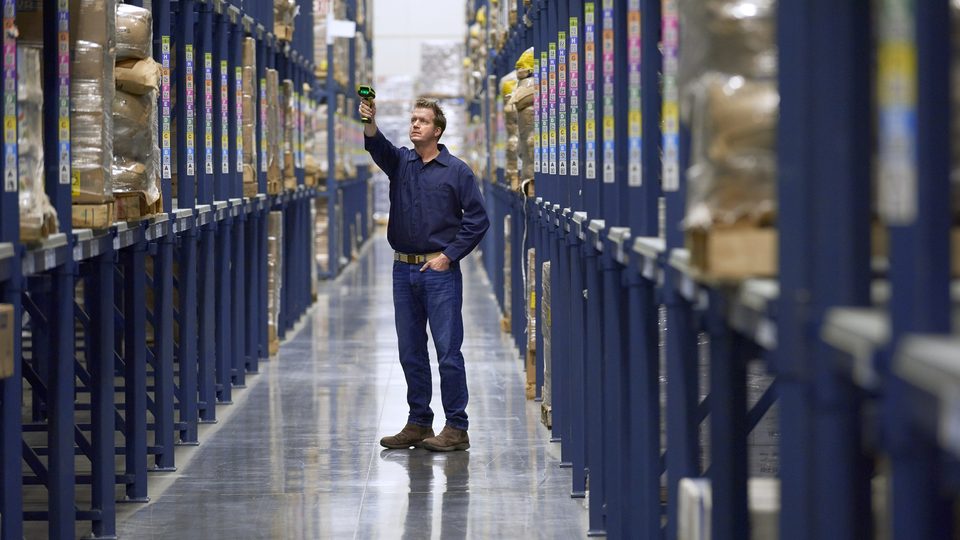
A terminal pays off when data must flow immediately and the operator is on the move: shelf picking, stocktaking, receiving straight into the system, deliveries with confirmation. If the operator has to type a quantity or pick a location after every scan, a scanner without a screen forces a walk back to a computer. For keypad work see the keyboard terminals; for mixed tasks, the mobile terminals.
The middle way: wearable scanner plus terminal
These are not the only two options. An operator who needs both hands can wear a scanner on a finger and a terminal or wearable on the wrist. The Zebra WT6400, for example, works with Zebra Bluetooth scanners (RS2100, RS5100, RS6100), while the Zebra WS501 combines terminal and scanner in one hand-worn device. More on this way of working is in the article on wearable scanners and hands-free terminals, and the wearable scanner range is in the scanere.md catalog.
Total cost, not just purchase
Compare over several years and include:
- The device and accessories (charger, cradle, cover)
- Administration: a scanner has no apps to update, a terminal does
- Operator training: minimal for a scanner, an hour or two for a terminal
- Lost time: trips to a PC to enter a quantity
- Errors avoided: a terminal can reject a wrong code on the spot
A scanner looks cheaper, but if it stands in for a terminal in a mobile process, the cost shifts into operator time.
Three short scenarios
- Shop with one till: a wired scanner at the till; for the monthly shelf count, a borrowed terminal or a smartphone-style one
- Warehouse with shelf picking: a terminal per operator, because the app tells them what to take and from where
- Dispatch point with a PC: a scanner at the packing bench plus a terminal for checks in the warehouse
The kit need not be identical everywhere: one company can run scanners at fixed stations and terminals for mobile staff, with the same application behind both.
Connecting to a PC or till
A wired scanner in keyboard mode usually needs no separate software: plug in the cable and the code appears in the active field. A terminal exchanges data through an app over Wi-Fi, so before buying you should know which system it will work with and whether an integration already exists. That is the most common cause of a slow rollout: the device is chosen, but the link to the business software was never thought through.
What to do next
Start from a real working day: count the scans, note what gets typed after each and where the operator stands. If the answer is "at a desk, no data entry", choose a scanner. If it is "on the move, with confirmation", choose a terminal. In borderline cases, try both for a week. Request a quote and describe the process; we will help you choose.