How to choose a data-collection terminal for a warehouse
Seven practical criteria: process, scanner, form, battery, durability, Android and integration. How to avoid the most common selection mistakes.
A terminal is bought for years, and a wrongly chosen model is felt every day: operators lose time, the battery does not last the shift, and the application runs slowly. Here is a working order that helps you avoid mistakes.
1. Start from the process, not the model
Make a list of operations: receiving, putaway, picking, inventory, moves, shipping. For each one, note:
- How often scanning happens (dozens or thousands of codes per shift)
- From what distance and at what height the codes are
- Whether the operator enters quantities on a keypad
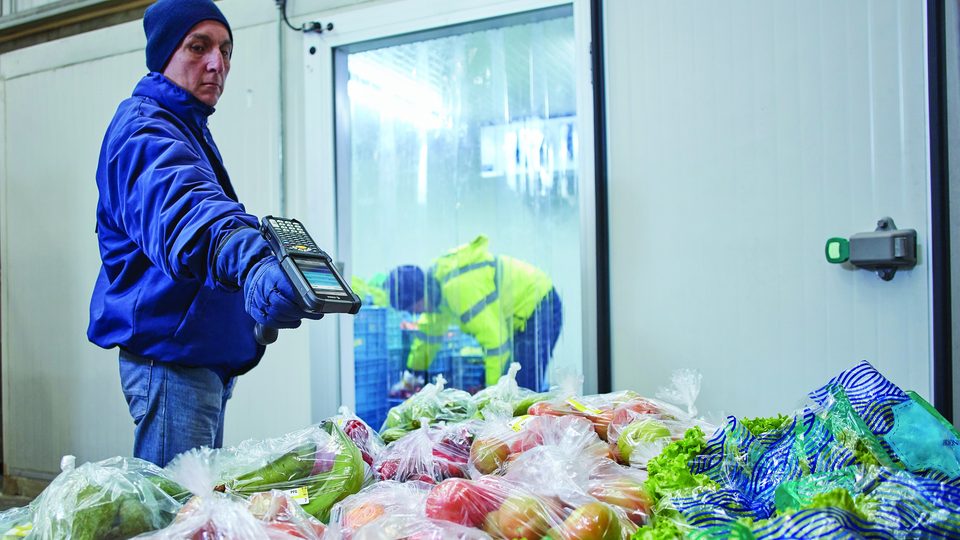
- Whether people work with gloves or in the cold
- How many operators there are on a shift
Most of the requirements follow from this list. Without it, you end up comparing models by price and appearance.
2. The scanner
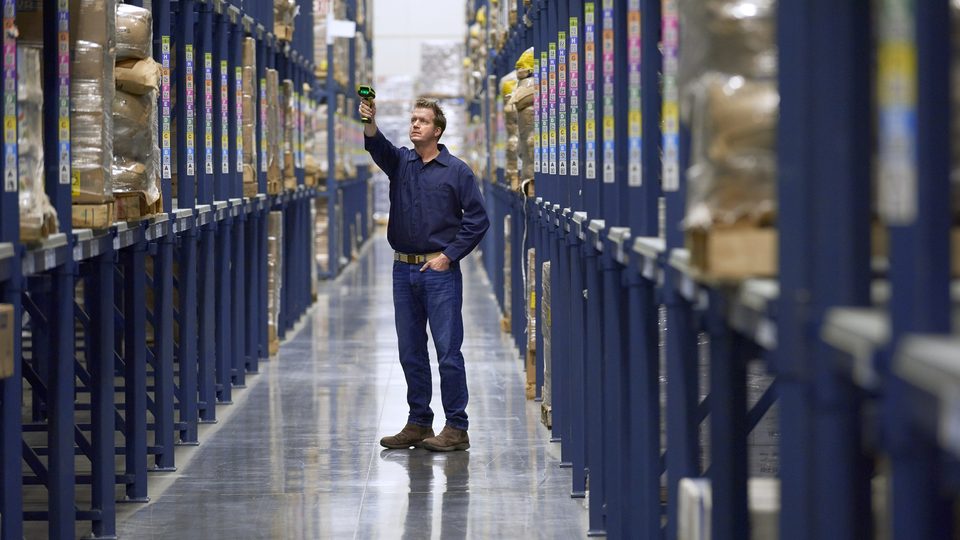
The scanner is the part used the most. The standard one (SR) reads from a few centimeters to a few meters and is enough for most hand-level tasks. If the warehouse has tall racking, you need extended-range variants (ER or XR/XLR), see long-range scanning for tall racking. Also check your labels: small, wavy, behind film or worn codes call for a high-performance 2D engine.
3. The shape of the device
| Form | When it fits | Limitations |
|---|---|---|
| Smartphone (touchscreen) | Retail, receiving, inventory, courier work, mixed tasks | Fewer keys, harder with gloves |
| Keypad | Frequent entry of quantities, gloves | Smaller screen |
| Pistol-grip | Continuous picking, a lot of scanning | Bulkier |
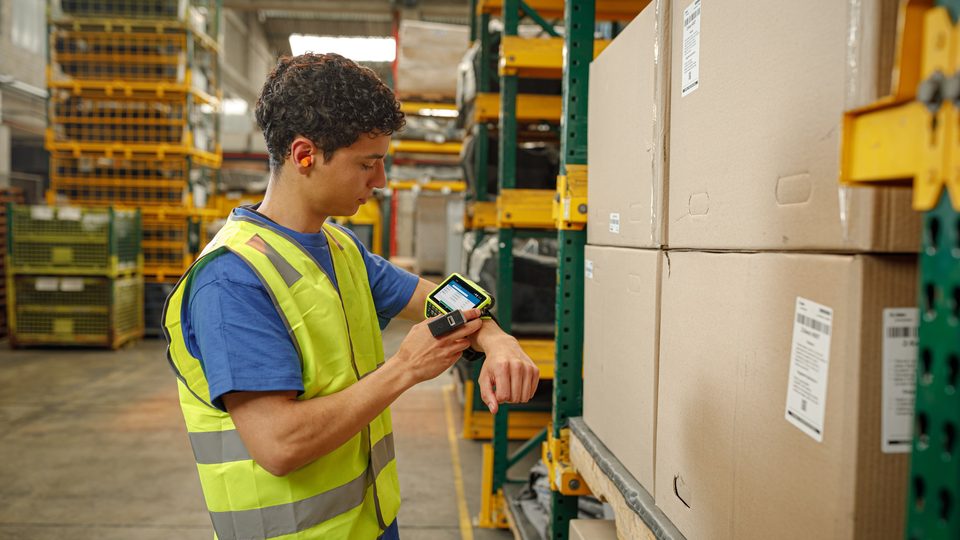
| Hand-worn | Operator with busy hands | Small screen, learning curve |
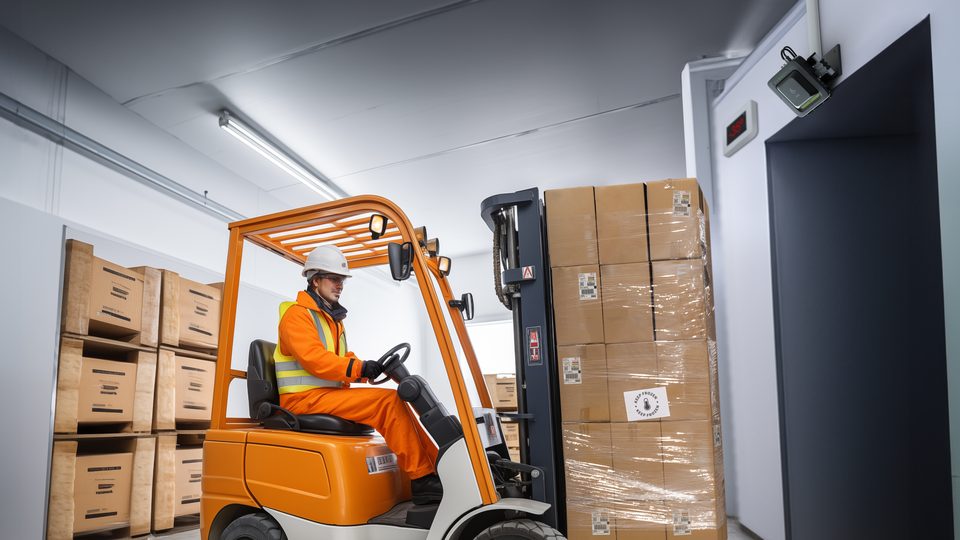
| Forklift-mounted | Vehicle moves | Fixed, needs installation |
Rely on your operators: put two or three models in their hands for an hour and see which one is the most comfortable.
4. The battery
Plan a shift with a reserve: if the shift lasts 8 hours, the battery must last at least 10. Check the declared capacity, but also how the battery is changed: hot-swap (without shutting down) or with a restart. In cold rooms battery life drops, so ask for models with cold-rated batteries. For a large fleet, think about multi-slot charging cradles and a second battery.
5. Durability
Drops onto concrete, dust, water jets, cleaning. Use two values: the protection rating (IP65, IP67, IP68) and the drop height onto concrete, with the conditions (with or without a case, at what temperature). If the terminal works on the dock and in the cold, choose a rugged model, whereas in a warehouse with a smooth floor and work at ground level a simpler one may be enough.
6. Operating system and updates
For new devices, choose Android with a clear update and security schedule. Ask the manufacturer or supplier how many Android versions and how many years of patches are guaranteed. If you have software on Windows CE/Mobile, see moving to Android: the application can usually be kept through terminal emulation.
7. Integration with WMS or ERP
The terminal is only the interface. Decide in advance where the data will live: in a WMS, ERP or POS. The application can be native Android, web or a terminal emulation. For the warehouse, see also WMS on wms.md: a warehouse management system ties together scanning, storage locations and orders.
Common mistakes
- Choosing by the price of a single device, without calculating the whole cost: accessories, spare batteries, cradles, management
- A terminal that is too basic for a cold warehouse or one with tall racking
- No pilot test in real conditions
- Ignoring the Wi-Fi network: a modern terminal does not fix poor coverage
- Choosing without talking to the operators
Questions for the supplier
Before ordering, ask for written answers to a few simple questions:
- How many Android versions and how many years of security updates are declared for this model?
- What scanner variants exist and how do they change in the configuration being ordered?
- How does the battery behave in our conditions (cold, 10–12 hour shifts) and can it be hot-swapped?
- Which accessories are compatible and how long does delivery of spare parts take?
- Who does the initial setup and who is responsible for warranty service?
Example fleet calculation
In a warehouse with two shifts and 12 operators per shift, you need at least 24 terminals, plus a reserve of 10–15% for service and swaps. Each terminal also needs a case, a charging cradle and a spare battery for those who work outside the cold room. If terminals are handed over at shift change, a multi-slot charging cradle may cost less than spare batteries. Doing this calculation at the start avoids surprises in the quote.
How to proceed
1. Describe the process and the conditions (the list from point 1). 2. Choose 2–3 models and test them in the warehouse for a few days. 3. Calculate the cost for the whole fleet, including accessories and spare batteries. 4. Plan the integration and operator training.
The models in the catalog can be compared with each other, and for an exact calculation request a consultation. Tell us your process, and we will suggest two or three suitable options and prepare the quote.